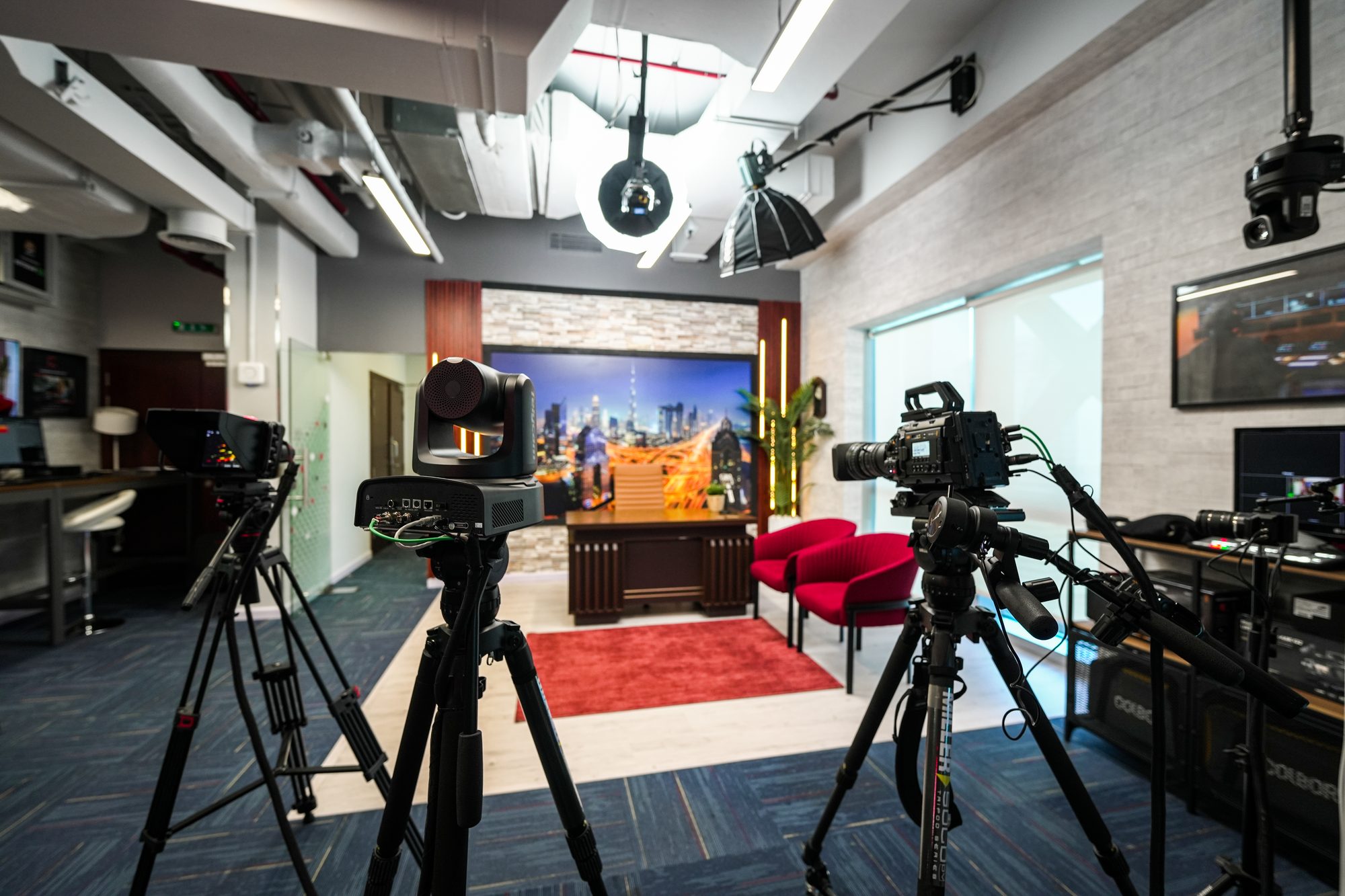
Eight zones. Everything switched on. Decide with your hands.
Arrange a visit →Why it exists
Equipment this expensive is normally bought from a specification sheet, on the word of someone who has never run it in your building.
MCX is the room where you try it first.
MediaCast has distributed this equipment across the MENA region since 1999, and in Türkiye since 2015. The room itself opened in 2025 — the first time the whole catalogue has been standing, powered and available to work on in one place.
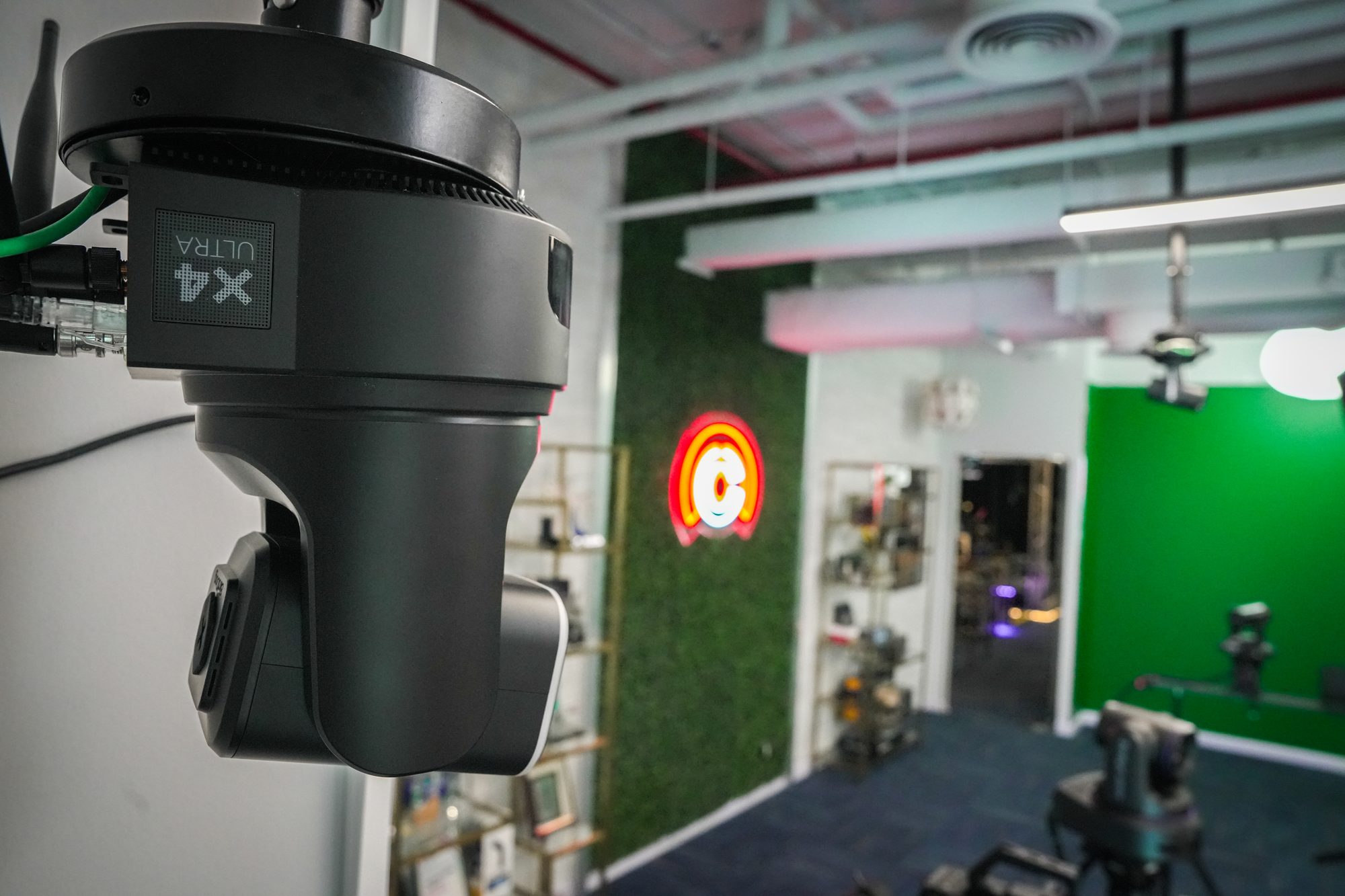
By the numbers
What is in this building
Laid out in the order a production actually runs.
Installed, cabled and powered. Not a catalogue.
Each with its own bench, network drop and specialist.
On the floor together, so you can compare them directly.
Supplying this equipment across MENA and Türkiye.
The first year all of it stood in one room.
Every zone on one fabric, so material moves between them.
Free to visit. Training is booked separately.
Ask now
A question is faster than a form.
Message the floor and a specialist answers — not a queue.
What it is
Plainly
MCX is a demonstration and training facility in Barsha Heights, Dubai, opened in 2025 and run by MediaCast — a distributor of broadcast and creative technology working across the MENA region since 1999 and in Türkiye since 2015.
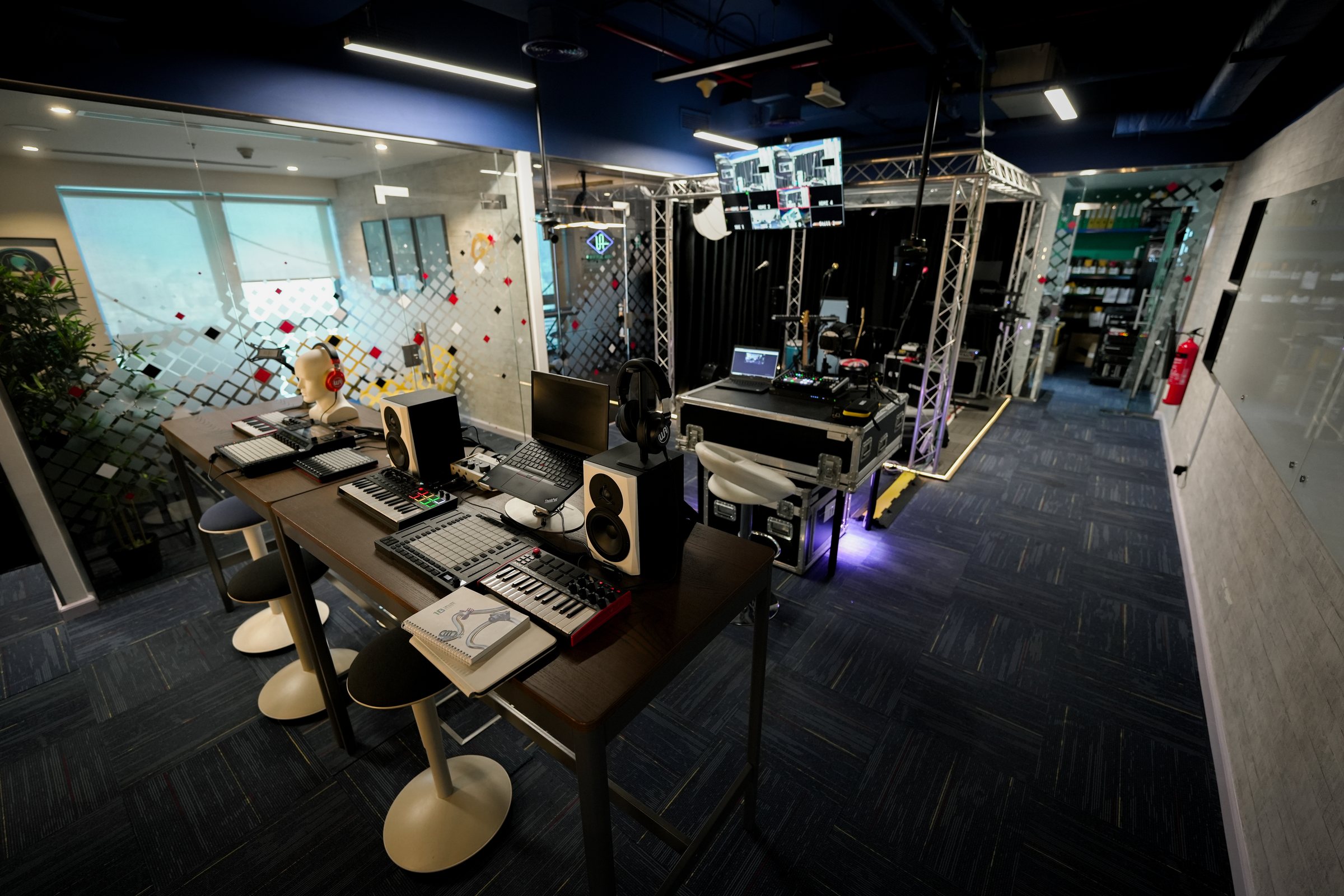
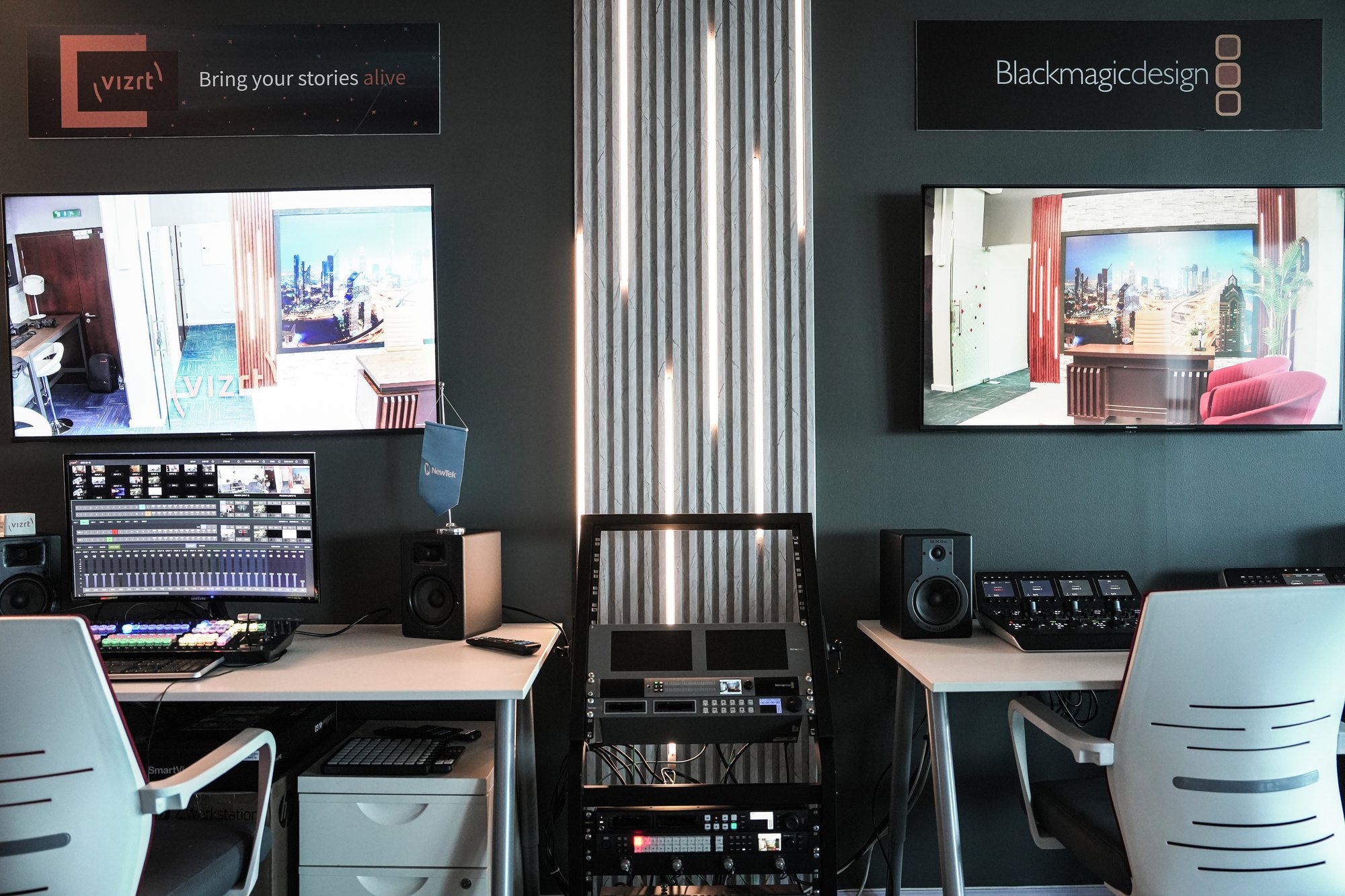
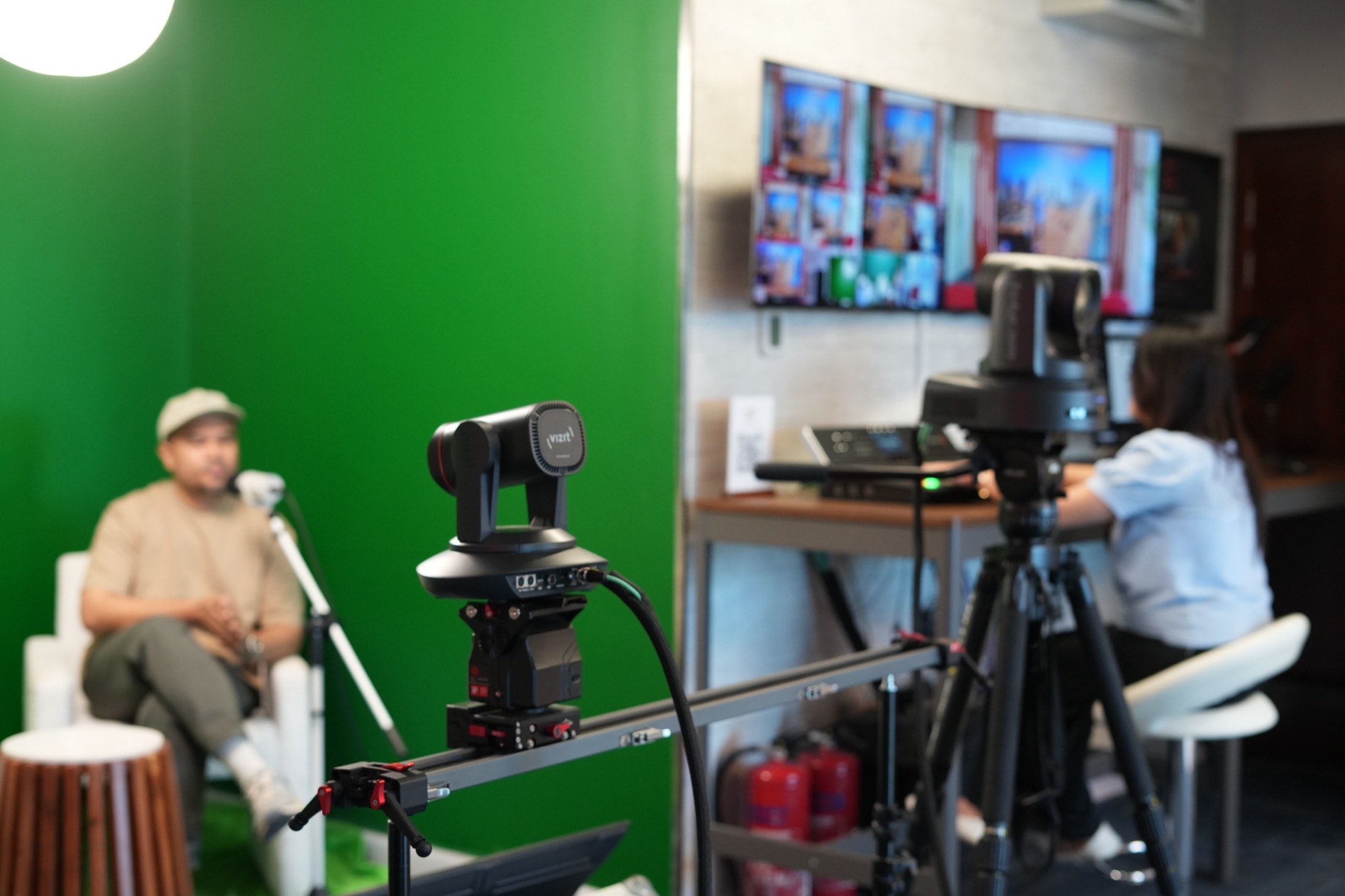
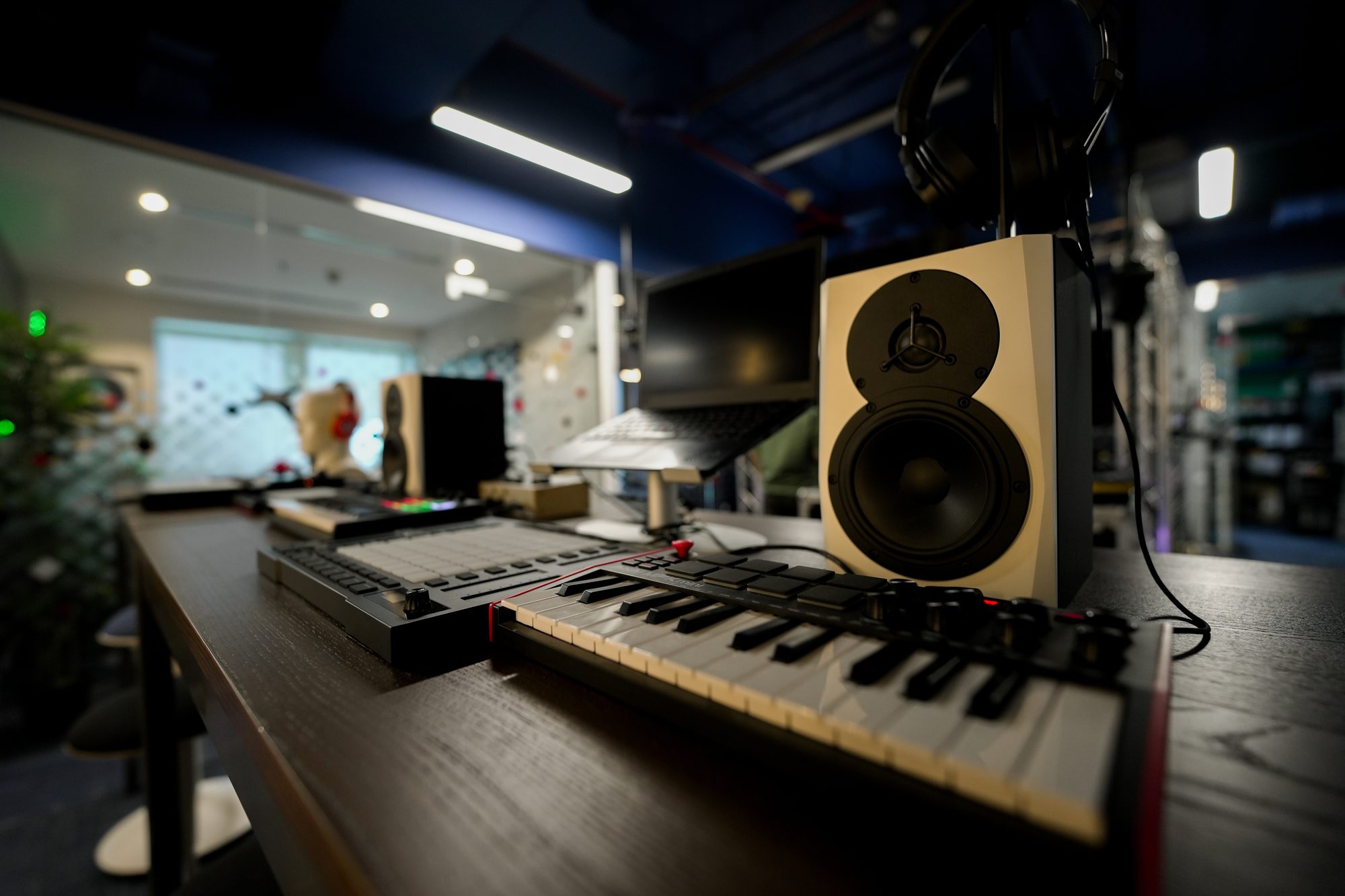
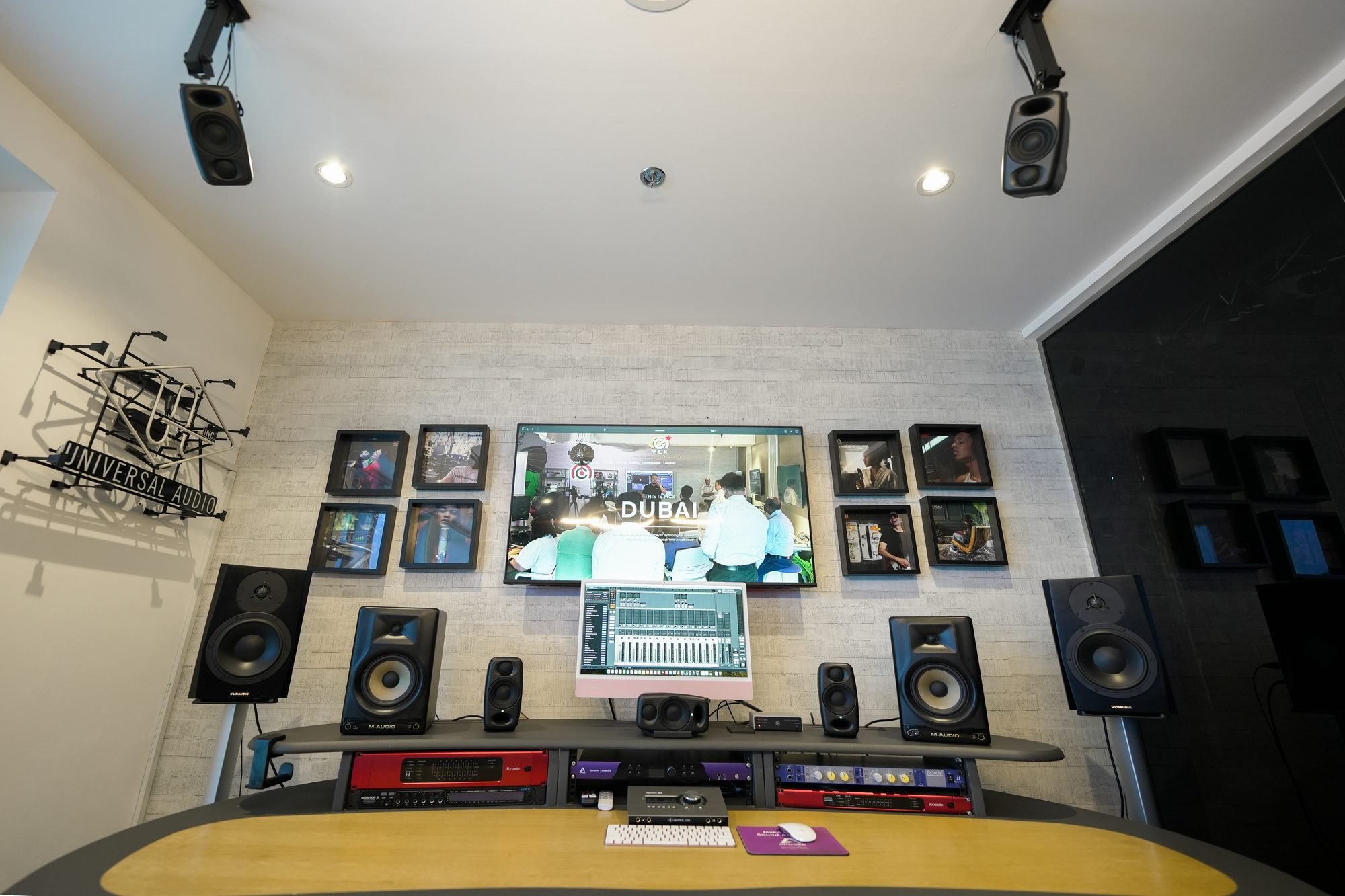
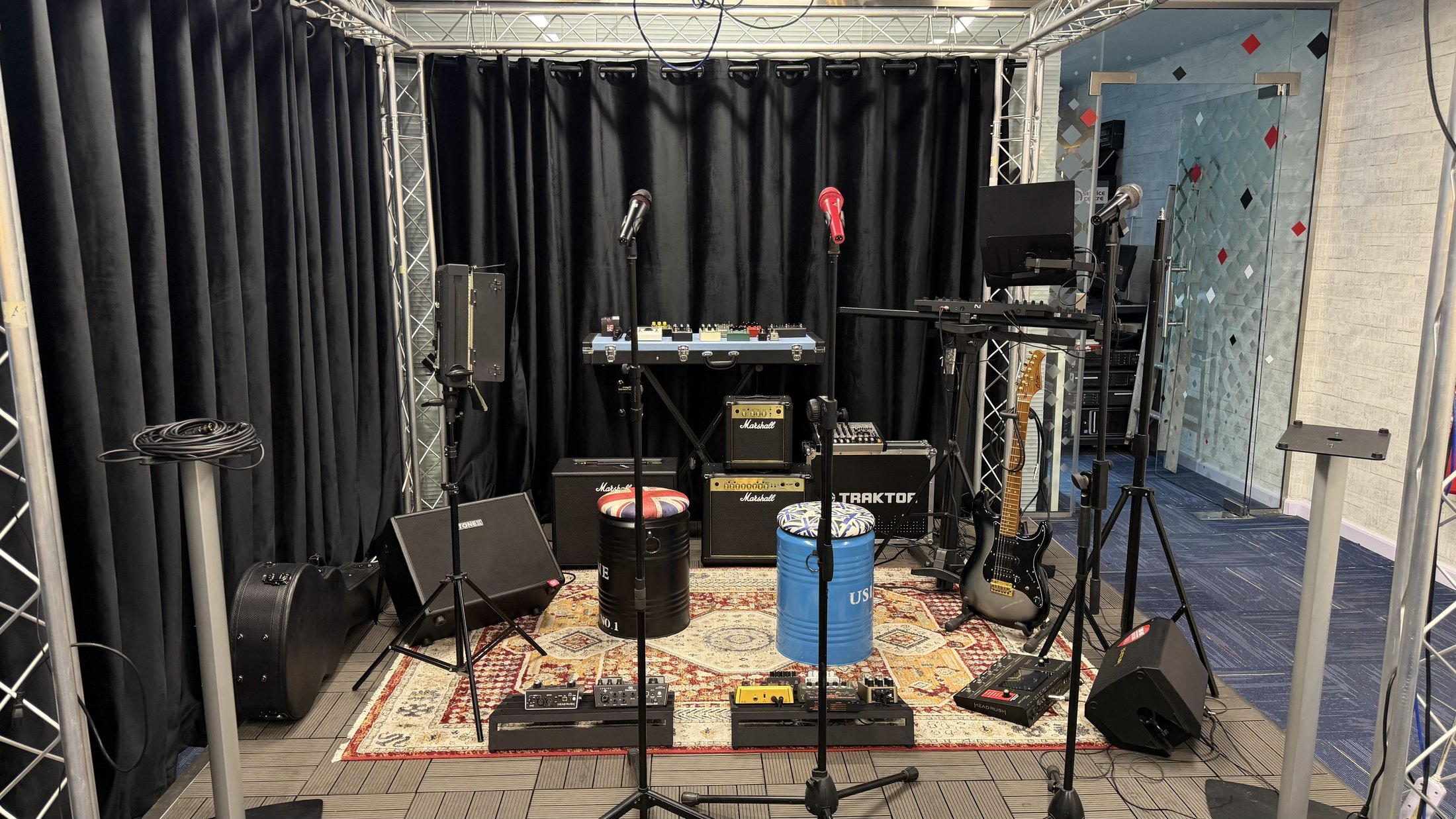
Eight zones are laid out in the order a production runs: the network first, then live production, virtual sets, cinema acquisition, music, performance, recording and colour finishing. All of it is installed, cabled and powered. Nothing sits behind glass.
You come to test equipment before buying it, to train a team on it, or to see how the parts behave together. A specialist in your discipline walks the floor with you. There is no charge, and visits are arranged in advance so the right rooms are configured before you arrive.
- Location
- 3605, The One Tower, Barsha Heights, Dubai
- Opened
- 2025
- Operated by
- MediaCast, established 1999
- Zones
- Eight
- Floor area
- Around 3,500 sq ft
- Admission
- Free, by appointment
The floor
The route
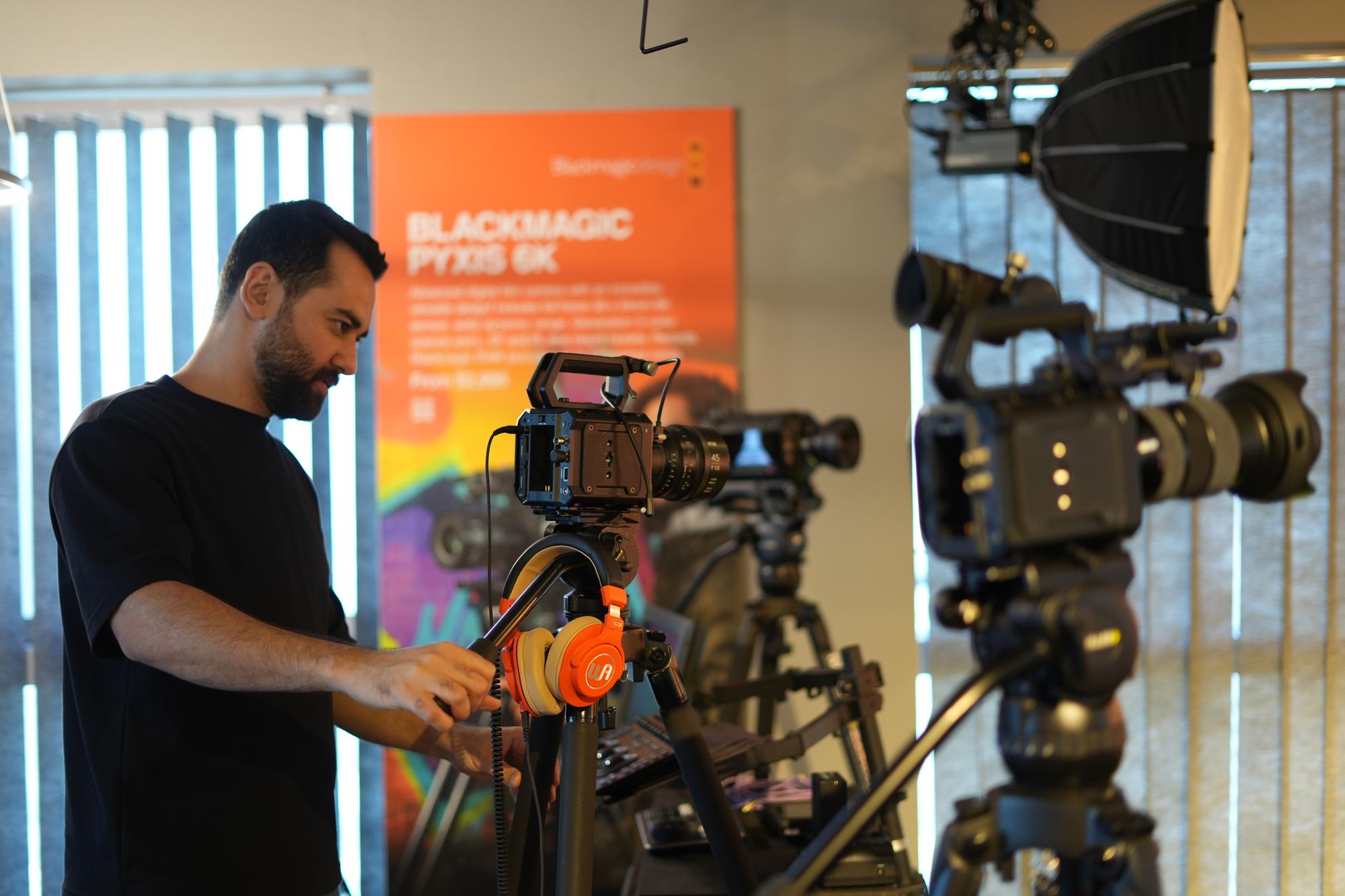
The zones run in production order, so material moves through them the way a job does. Select a room to see what is in it.
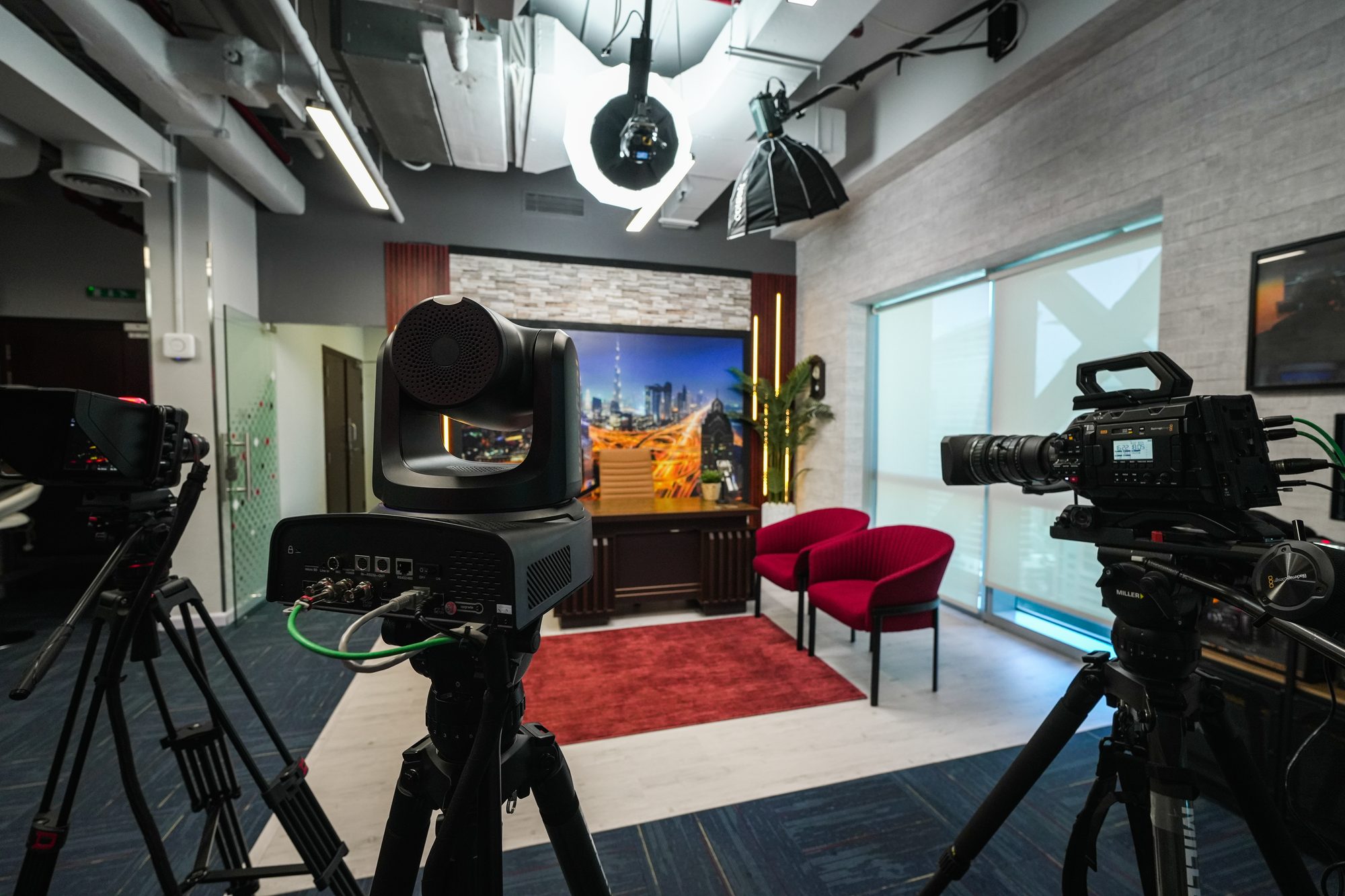
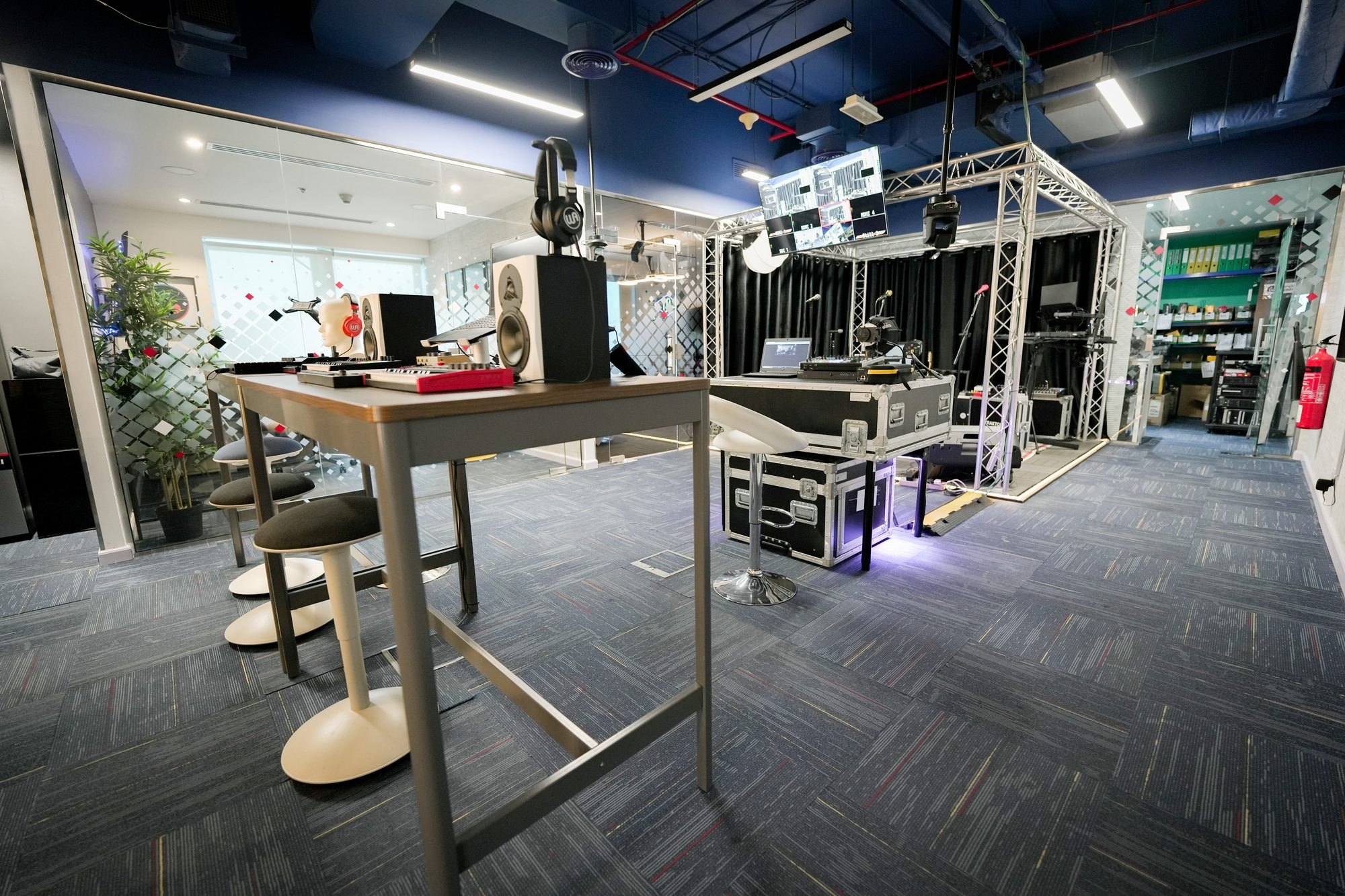
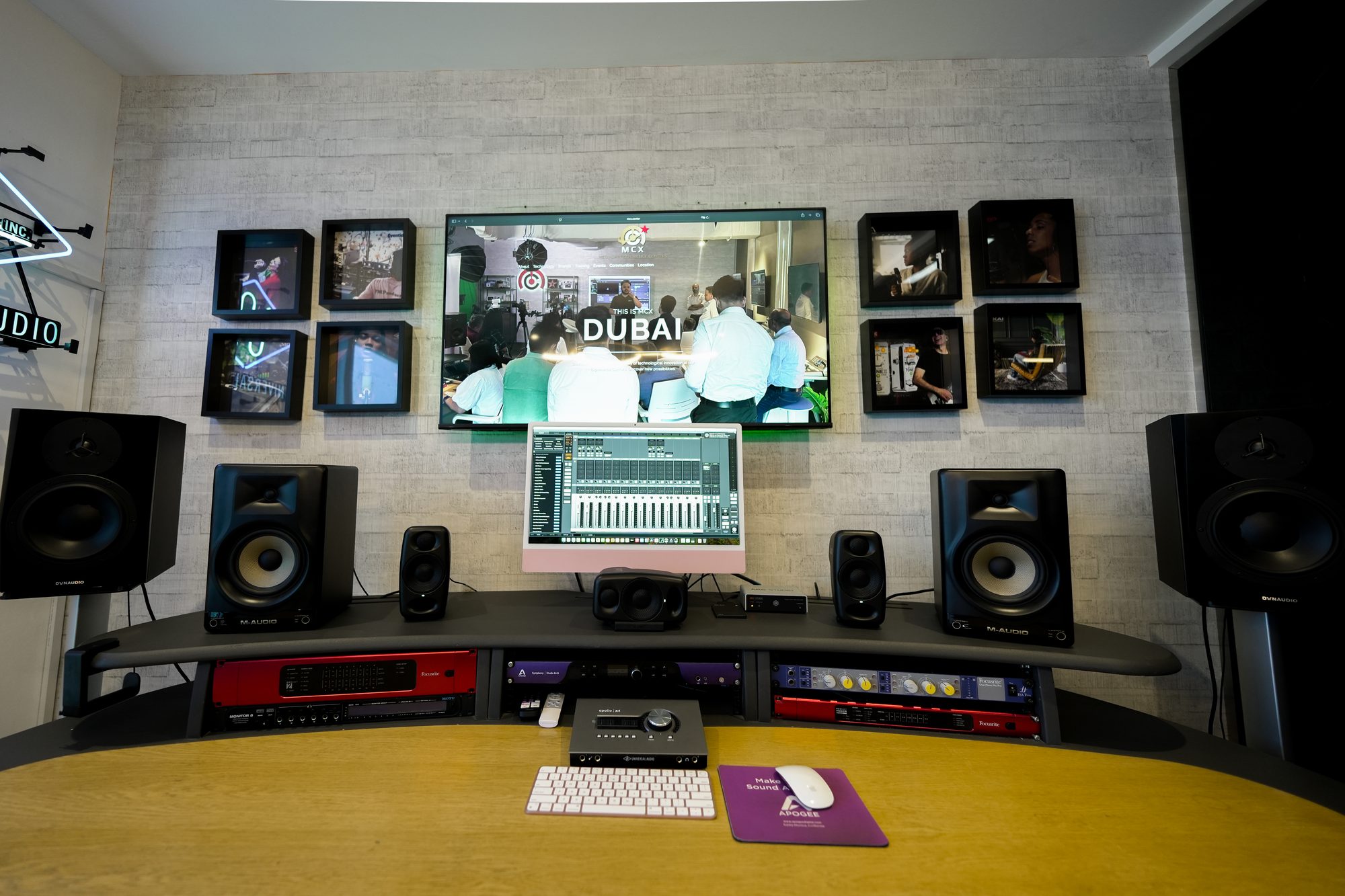
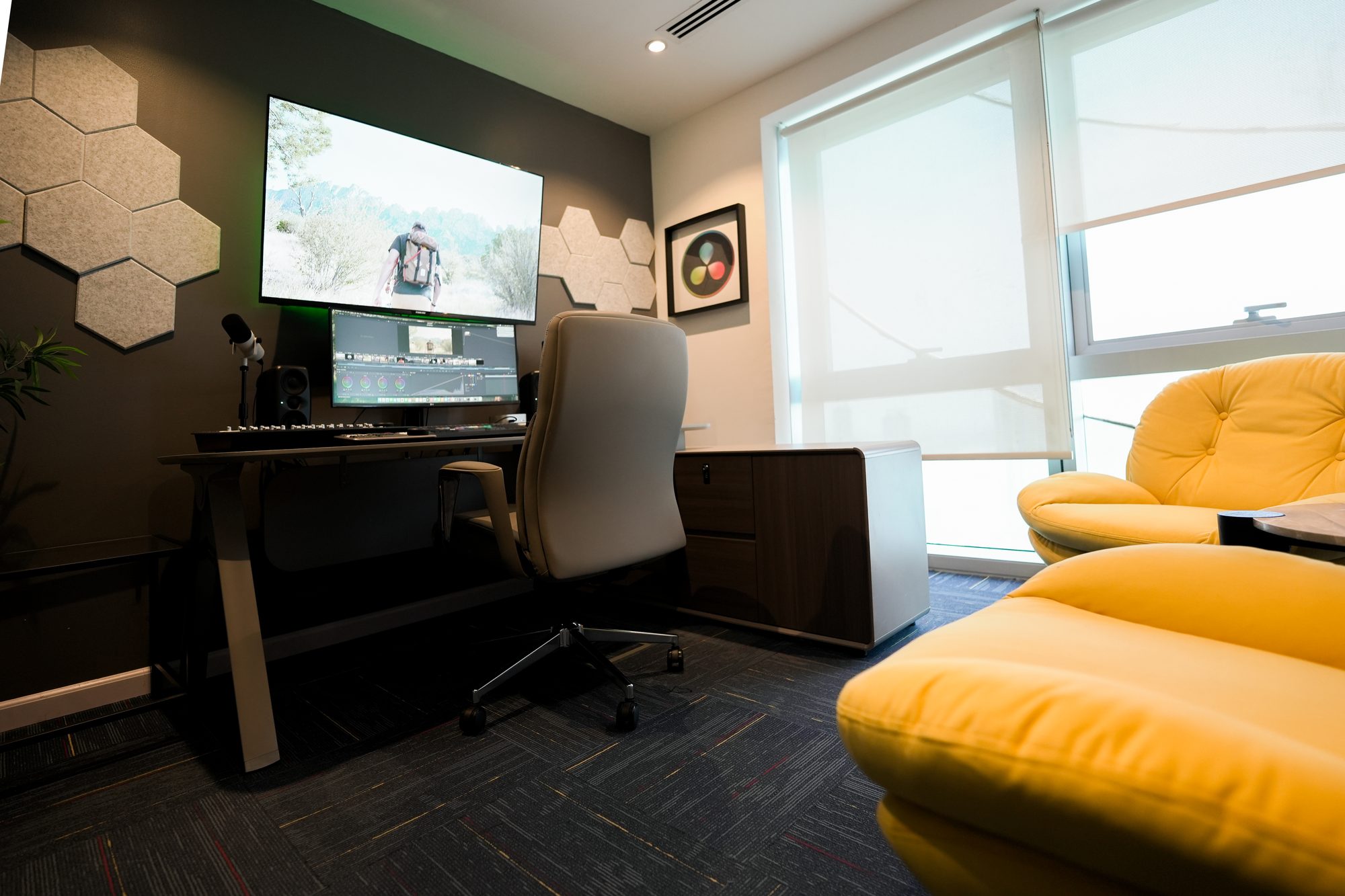
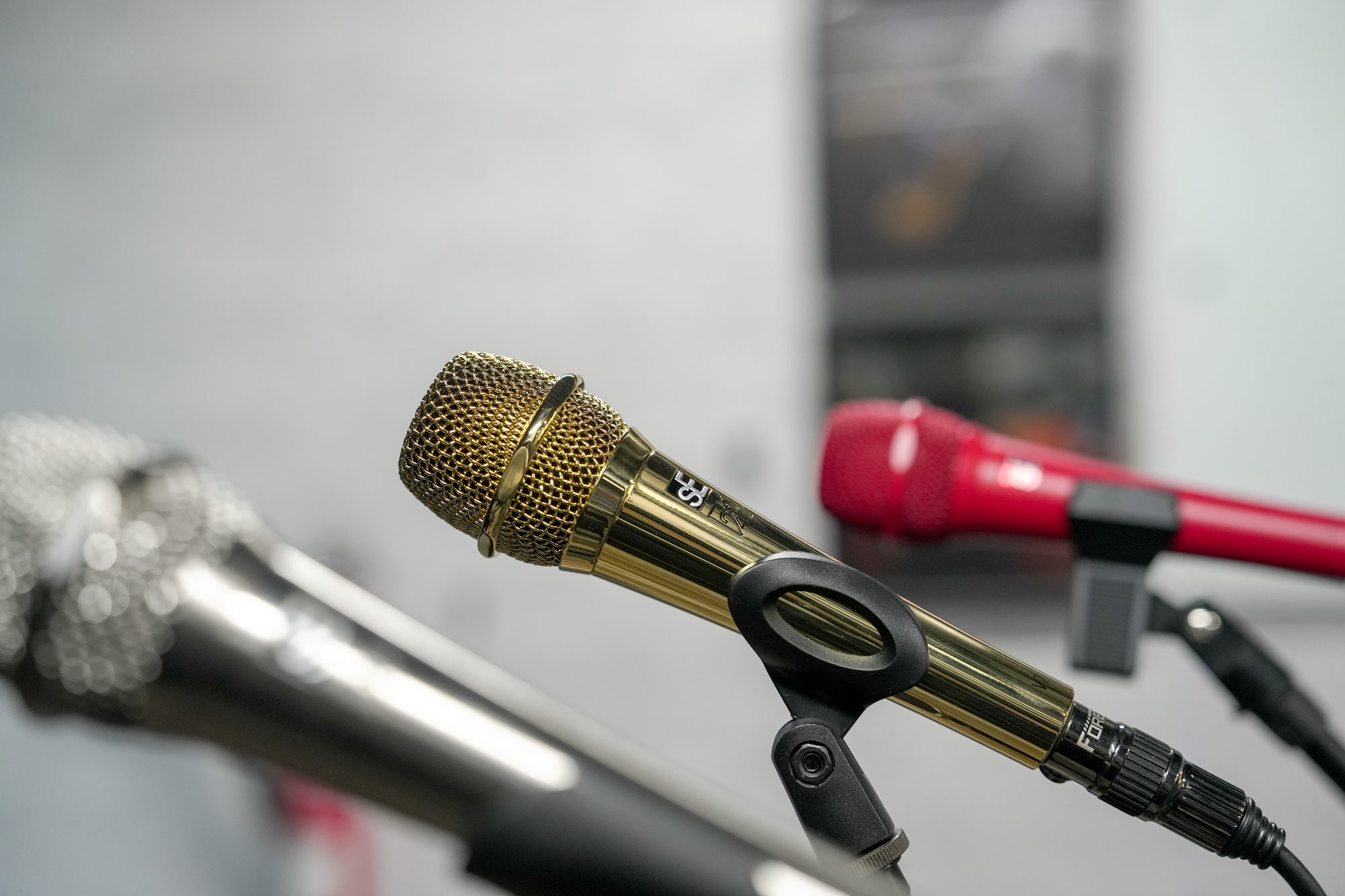
What the day looks like
A visit, hour by hour
You tell us the decision
Not which products you would like to see, but what you are trying to resolve. We map the route to that and configure the rooms before you arrive.
Arrival
Met at the door by the specialist in your discipline. No presentation, no meeting room.
The first room
Straight onto the floor. Whichever zone answers your question first, already powered and configured.
Your own material
A shot to grade, a track to mix, a brief to switch. Bring it — it is the only honest test of whether something suits the way you work.
The comparison
Competing systems side by side under identical conditions. One lens, one lighting set-up, one network.
What you leave with
Findings from your own tests, a specification you can defend, and the same specialist afterwards if it turns into a build or a training programme.
Come and see it
Reading about it settles nothing.
Tell us what you are deciding and the room is configured before you arrive.
How the rooms connect
One signal path, end to end
Every zone sits on the same managed network, which is what allows footage shot in the cinema room to be graded in the colour suite the same afternoon. The chain below is the order a signal actually travels.
Acquire
Cameras
Blackmagic cinema and studio bodies, BirdDog and Telycam PTZ.
Switch
Vision mixing
Vizrt TriCaster Vizion for hybrid SDI and NDI, Blackmagic ATEM for baseband.
Carry
Network
NETGEAR Pro AV managed switching carrying NDI, Dante and SDI-over-IP together.
Encode
Transport
Kiloview encoders, decoders and transcoders out to stream or record.
Finish
Post
DaVinci Resolve for edit, grade, effects and audio, on calibrated reference monitoring.
One bench, one lens, one lighting set-up
The comparison
Every camera in the cinema zone sits on the same bench, behind the same prime, under the same Colbor set-up. Glass and light stop being variables, so the only thing left to argue about is the body. Drag the handle.
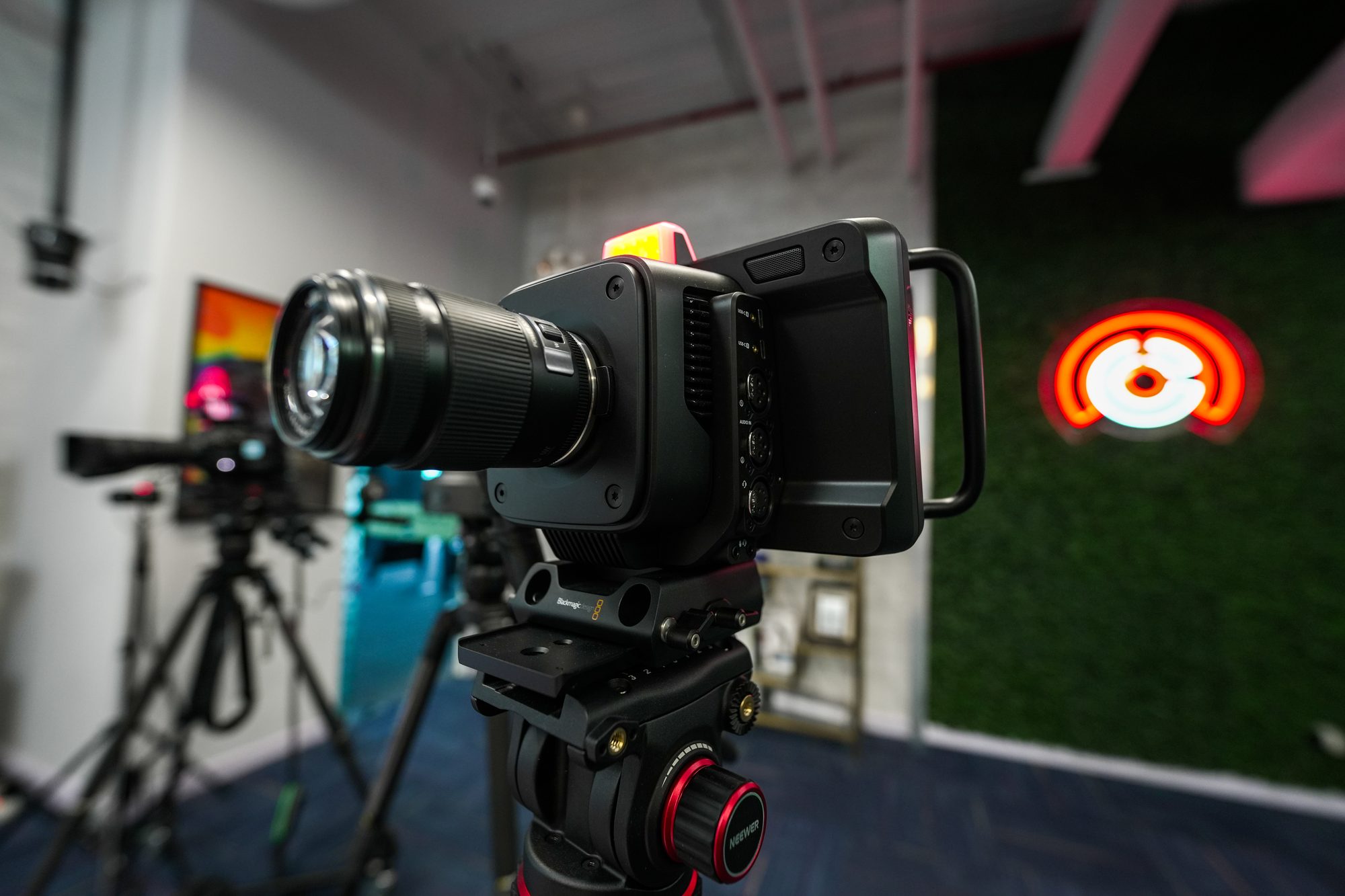
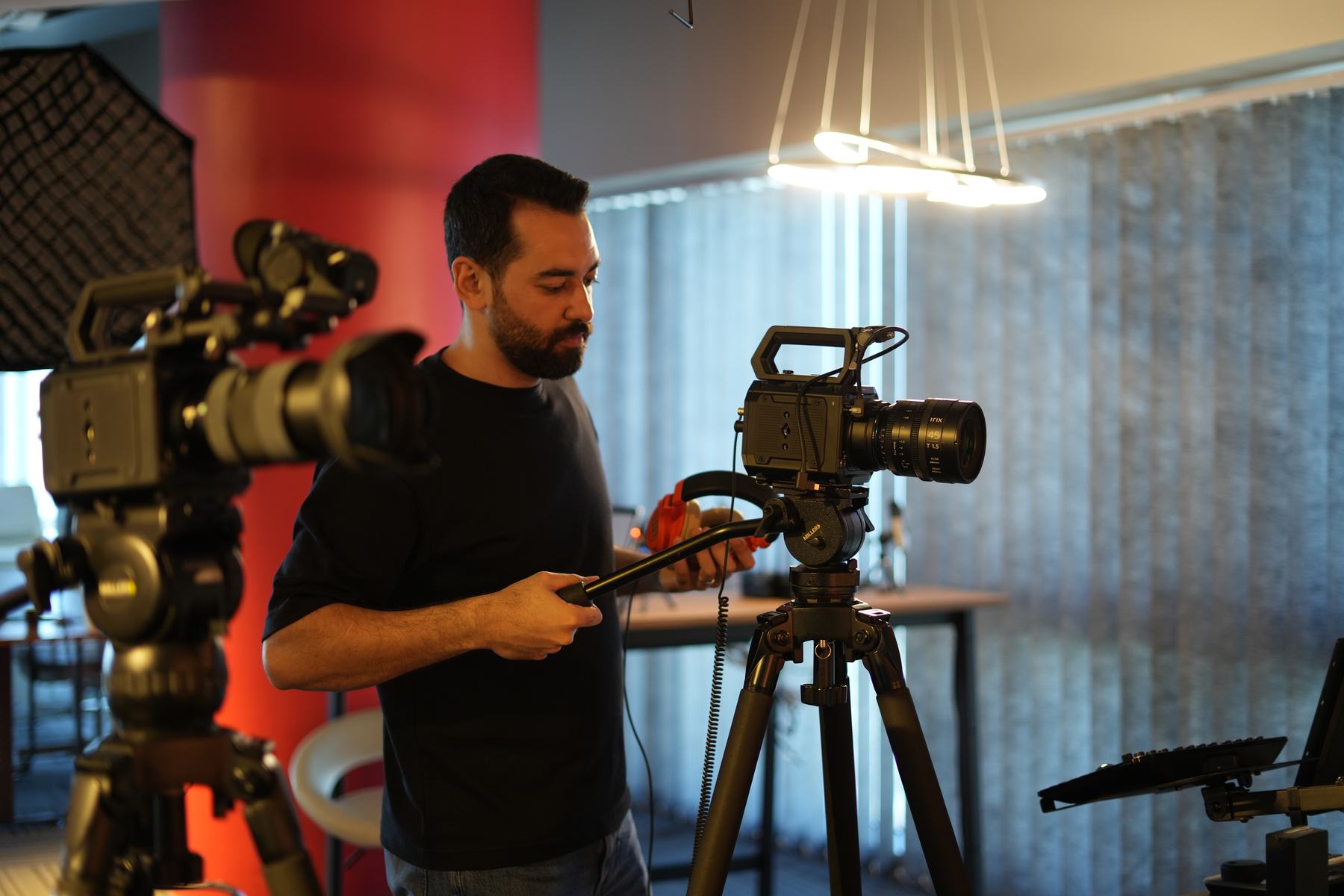
Figures are Blackmagic’s published specifications. Where we hold a photograph of the body itself, that is what you are looking at; where we do not, you are looking at the bench it sits on. Neither is sample footage — the frames that mean anything are the ones you shoot yourself, on both bodies, on the day, which is the whole reason the room exists.
Book the bench →Everything in the building
The inventory
143 systems across 13 areas, installed and powered. Not a catalogue of what can be ordered — a list of what is switched on in the rooms upstairs.
Pick a brand to see which rooms it is in
143 systems across 13 areas
Cinema cameras11
- 001Blackmagic DesignURSA Cine 17KCinema Camera
- 002Blackmagic DesignURSA Cine 12KCinema Camera
- 003Blackmagic DesignPYXIS 12KCinema Camera
- 004Blackmagic DesignPYXIS 6KCinema Camera
- 005Blackmagic DesignCinema Camera 6KCinema Camera
- 006ColborCL120RLight
- 007ColborCL60RLight
- 008Blackmagic DesignSmartView 4KSDI Monitor
- 009Blackmagic DesignMicro PanelResolve Color Panel
- 010Blackmagic DesignMediaDockStorage Dock for Cine Modules
Podcast7
- 011ApogeeHypeMicUSB Microphone
- 012ApogeeMic PlusUSB Microphone
- 013Blackmagic DesignATEM Mini Extreme ISO G2Switcher
- 014ColborCL600RLight
- 015BirdDogMaxPTZ Camera
- 016BirdDogMaki LiveBox Camera
- 017BirdDogMaki UltraBox Camera
Encode, decode, transcode11
- 018KiloviewP3Bonding Appliance
- 019KiloviewP3MiniBonding Appliance
- 020KiloviewN60HDMI Encoder / Decoder
- 021KiloviewN6HDMI Encoder / Decoder
- 022KiloviewN50SDI Encoder / Decoder
- 023KiloviewD260H264 Decoder
- 024KiloviewD350H264 / H265 Decoder
- 025KiloviewMG300v2Media Gateway Transcoder
- 026KiloviewE3Streaming Appliance
- 027KiloviewU40HDMI Encoder
- 028KiloviewCube R1NDI Recorder
Hybrid NDI and SDI4
- 029VizrtTriCaster VizionProduction Switcher
- 030VizrtFlex PanelControl Panel
- 031Densitron2U PanelHMI
- 032DensitronProDeck TouchHMI
SDI live production7
- 033Blackmagic DesignATEM 2 M/E Constellation HDProduction Switcher
- 034Blackmagic DesignCamera Control PanelCCU Controller
- 035Blackmagic DesignATEM 1 M/E Advanced PanelSwitcher Panel
- 036Blackmagic DesignHyperDeck Studio 4K ProPlayback / Recorder
- 037Blackmagic DesignSmartScope Duo 4KScopes Monitor
- 038Blackmagic DesignAudio MonitorSpeaker
- 039BirdDogKBDPTZ Keyboard
- 040Blackmagic DesignURSA Broadcast G2Broadcast Studio Camera
- 041Blackmagic DesignStudio Camera 4K ProStudio Camera
- 042Blackmagic DesignZoom and Focus DemandCamera Controller
- 043Blackmagic DesignMicro Studio Camera 4KStudio Camera
- 044TelycamExplorePTZ Camera
- 045TelycamExplore SEPTZ Camera
- 046BirdDogX4 UltraPTZ Camera
- 047TelycamVision +4KN 30xPTZ Camera
IP network3
- 048NETGEAR4230PXAVoIP Switch
- 049NETGEARWAX625Wifi 6 Access point
- 050NETGEARWBE710Wifi 7 Access point
The set11
- 051Blackmagic DesignATEM Mini Extreme ISO G2Production Switcher
- 052ColborCL220Light
- 053ColborCL120RLight
Green set5
- 054Blackmagic DesignATEM Television Studio HD8 ISOProduction Switcher
- 055VizrtVirtual Studio GoAR / VR Equipment
- 056ColborCL330Light
- 057VizrtPTZ3PTZ Camera
- 058BirdDogFlex OutNDI Decoder
Colour and finishing9
- 059Blackmagic DesignMini PanelColor Grading Panel
- 060Blackmagic DesignFairlight Desktop ConsoleAudio Control
- 061Blackmagic DesignEditor KeyboardEditing Keyboard
- 062Blackmagic DesignDaVinci Resolve Activation LicenseVideo Editing Software
- 063Blackmagic DesignUltraStudio Monitor 4KCapture and Playback Device
- 064IK MultimediaiLoud MTMStudio Monitor Speaker
Music creation16
- 065AKAI ProfessionalFORCEStandalone Music Production
- 066AKAI ProfessionalMPC ONE+Standalone MPC
- 067AKAI ProfessionalMPC Studio 2MPC
- 068AKAI ProfessionalMPK Mini MK4USB Keyboard Controller
- 069AKAI ProfessionalAPC64Ableton Pad Controller
- 070AKAI ProfessionalAPC Key 25Ableton Pad Controller
- 071AKAI ProfessionalMidi MixUSB Controller
- 072sE Electronics2200aMicrophone
- 073sE ElectronicsDynacaster DCM6Microphone
- 074Universal AudioVOLT276Audio Interface
- 075Universal AudioUA SD-1Microphone
- 076DynaudioLYD5Monitor Speakers
- 077DynaudioLYD8Monitor Speakers
- 078Warm AudioHeadroomHeadphone
- 079M-AudioOxygen Pro Mini 32USB Keyboard Controller
- 080Universal AudioLUNADAW
The stage34
- 081Universal AudioUAFX StarlightEffects Pedal
- 082Universal AudioUAFX AstraEffects Pedal
- 083Universal AudioUAFX ReverberatorEffects Pedal
- 084Warm AudioCentavoEffects Pedal
- 085Warm AudioBenderEffects Pedal
- 086Warm AudioC1 Stereo ChorusEffects Pedal
- 087IK MultimediaTONEX CabFRFR Speaker
- 088IK MultimediaTONEX ONEGuitar Amp/Effects Modeler
- 089IK MultimediaTONEX PedalGuitar Amp/Effects Modeler
- 090HeadrushCOREGuitar Amp/Effects Modeler
- 091HeadrushFRFR108 MK2FRFR Speaker
- 092HeadrushVX5Vocal Effects Pedal
- 093Sheeran LoopersLooper+Looper Pedal
- 094EventideH90 Harmonizer PedalEffects Pedal
- 095EventideH9 PedalEffects Pedal
- 096EventideBlackholeEffects Pedal
- 097EventideKnife Drop FuzzEffects Pedal
- 098EventideTricerachorousEffects Pedal
- 099EventideMicroPitchEffects Pedal
- 100EventideUltra TapEffects Pedal
- 101sE ElectronicsV2 Switch Dynamic MicrophoneMicrophone
- 102sE ElectronicsV3 Cardioid Dynamic MicrophoneMicrophone
- 103sE ElectronicsV7 Supercardiod Dynamic MicrophoneMicrophone
- 104sE ElectronicsVT PTT Dynamic MicrophoneMicrophone
- 105sE ElectronicsV7 Gold 25th AE Dynamic MicrophoneMicrophone
- 106sE ElectronicsV7 Nickel 25th AE Dynamic MicrophoneMicrophone
- 107sE ElectronicsDM1 inline preampInline Preamp
- 108Native InstrumentsTraktor MX2 Compact DJ ControllerDJ Gear
- 109Native InstrumentsTraktor F1DJ Gear
- 110MarshallMG10GGuitar Amplifier
- 111MarshallMG30GFXGuitar Amplifier
- 112MarshallCODE50Guitar Amplifier
- 113MarshallMS-2Guitar Amplifier
- 114Warm AudioWA-19NMicrophone
Recording and mixing24
- 115Universal AudioLUNA PRODAW
- 116Universal AudioApollo X16DInterface
- 117Universal AudioApollo X4Interface
- 118Universal AudioSphere DLX Modeling MicrophoneMicrophone
- 119Warm AudioWA-76Analog Compressor
- 120Warm AudioWA-2AAnalog Compressor
- 121Warm AudioU47 FET Condenser MicrophoneMicrophone
- 122Warm AudioWA87 FET Condenser MicrophoneMicrophone
- 123Warm AudioWA-273 Stereo EQ and PreampEQ and Preamp
- 124ApogeeSymphony Studio 8x16Interface
- 125M-AudioForty Sixty Monitor SpeakersMonitor Speakers
- 126IK MultimediaiLoud Micro Monitor ProImmersive Speakers
- 127IK MultimediaARC StudioSpeaker and Room correction
- 128IK MultimediaARC On EarHeadphone and Room Correction
- 129SonarworksSoundID ReferenceSpeaker/Headphone and Room correction
- 130Native InstrumentsKomplete Kontrol A61USB Keyboard controller
- 131sE ElectronicsRFXReflexion Filter
- 132Warm AudioHeadroomHeadphone
- 133IK MultimediaiLoud Precision 6Monitor Speakers
- 134HeadrushFRFR-GOFRFR Speaker
- 135Universal AudioUAD PluginsSoftware plugins
- 136SpectrasonicsOmnisphereSoftware plugins
- 137SpectrasonicsKeyscapeSoftware plugins
- 138Blackmagic DesignDaVinci Resolve — FairlightAudio Video software
Live production, gallery two5
- 139RolandV80-HDProduction Switcher
- 140BirdDogX5 UltraPTZ Camera
- 141TelycamVision +4KN 12xPTZ Camera
- 142TelycamVision +4KZBox Camera
- 143NETGEARGSM4212PAVoIP Switch
Bring your own work
Test it on your own material.
A shot to grade, a track to mix, a running order to switch. Free, by appointment.
The vocabulary in the building
Formats and standards you can test here
What people come to do
Three reasons to book the room
You need to know whether it works, not whether it sounds good. Bring a problem and test against it.
- Test an IP workflow on a live network before you specify it
- Compare a hybrid SDI and NDI gallery against pure baseband, on the same cameras
- Measure latency and failure behaviour under load rather than reading a datasheet
- Check whether one operator can run the show you are being asked to deliver
The room is set up to be worked in. Bring your own material — it is the only honest test.
- Evaluate a cinema camera before purchase, then grade the footage the same day
- Train a team on DaVinci Resolve towards certification
- Track and mix on studio-grade conversion and reference monitoring
- Hear amplification and effects at real playing level, not shop level
For groups evaluating a build, a curriculum or a capability, with people who can answer in detail.
- Bring a delegation and walk a complete production chain in one visit
- Run a client-facing demonstration in a working facility
- Scope a studio or teaching space against equipment you have operated
- Arrange certified training for staff on the systems you intend to buy
Who you meet
The specialists are the facility
A room full of switched-on equipment and nobody to question is only a better brochure. You are walked through by someone who does the work.
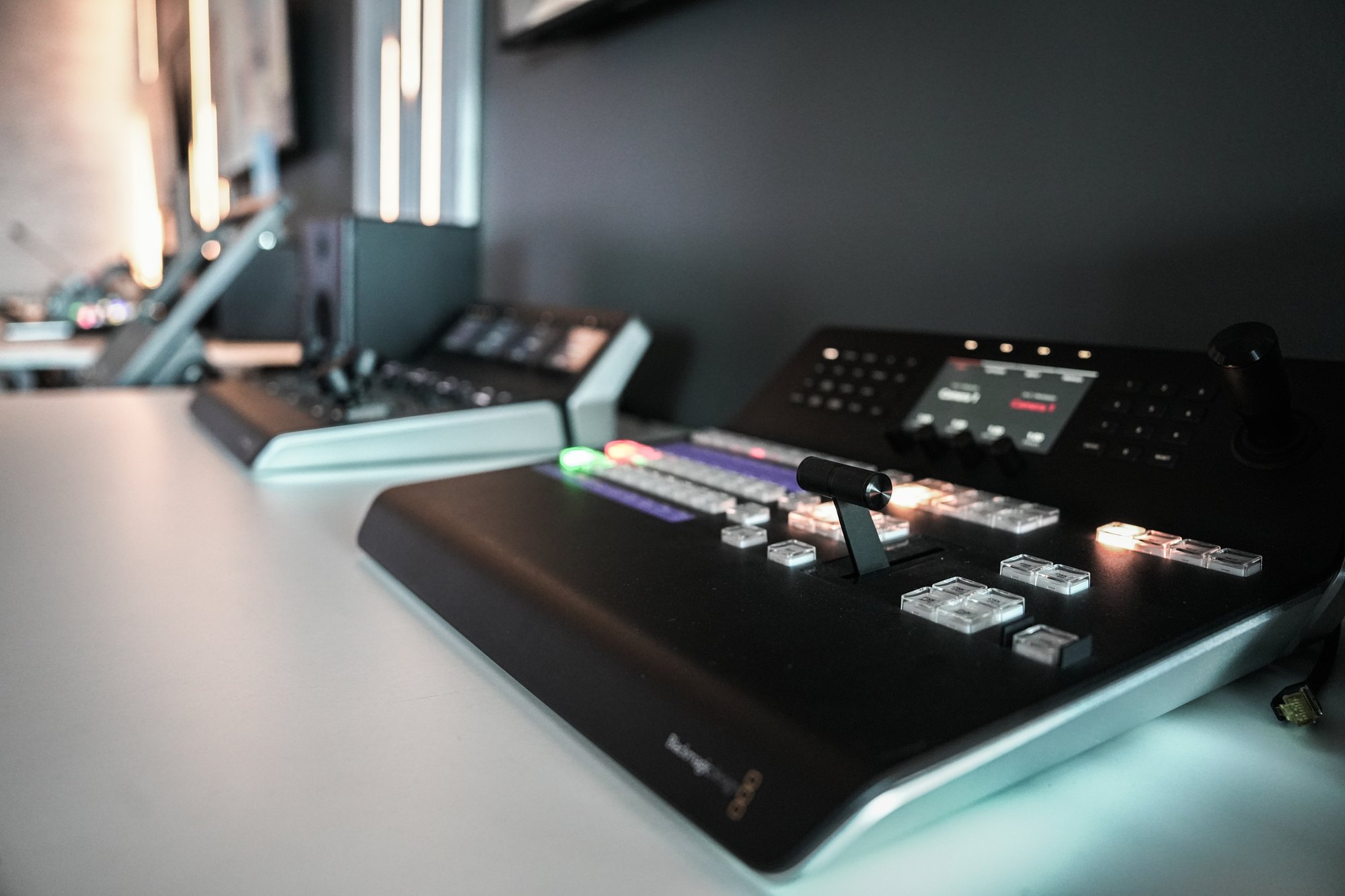
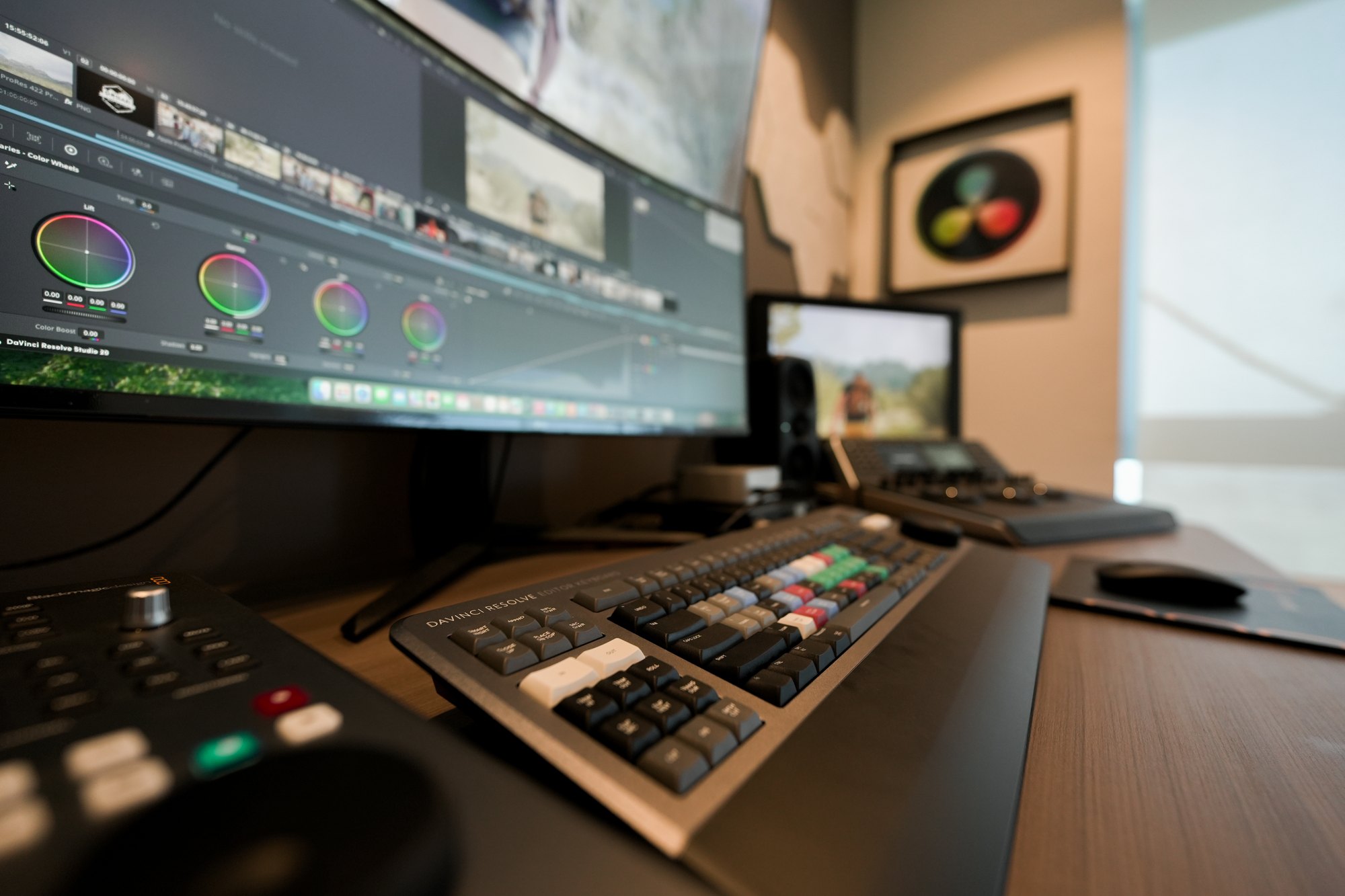
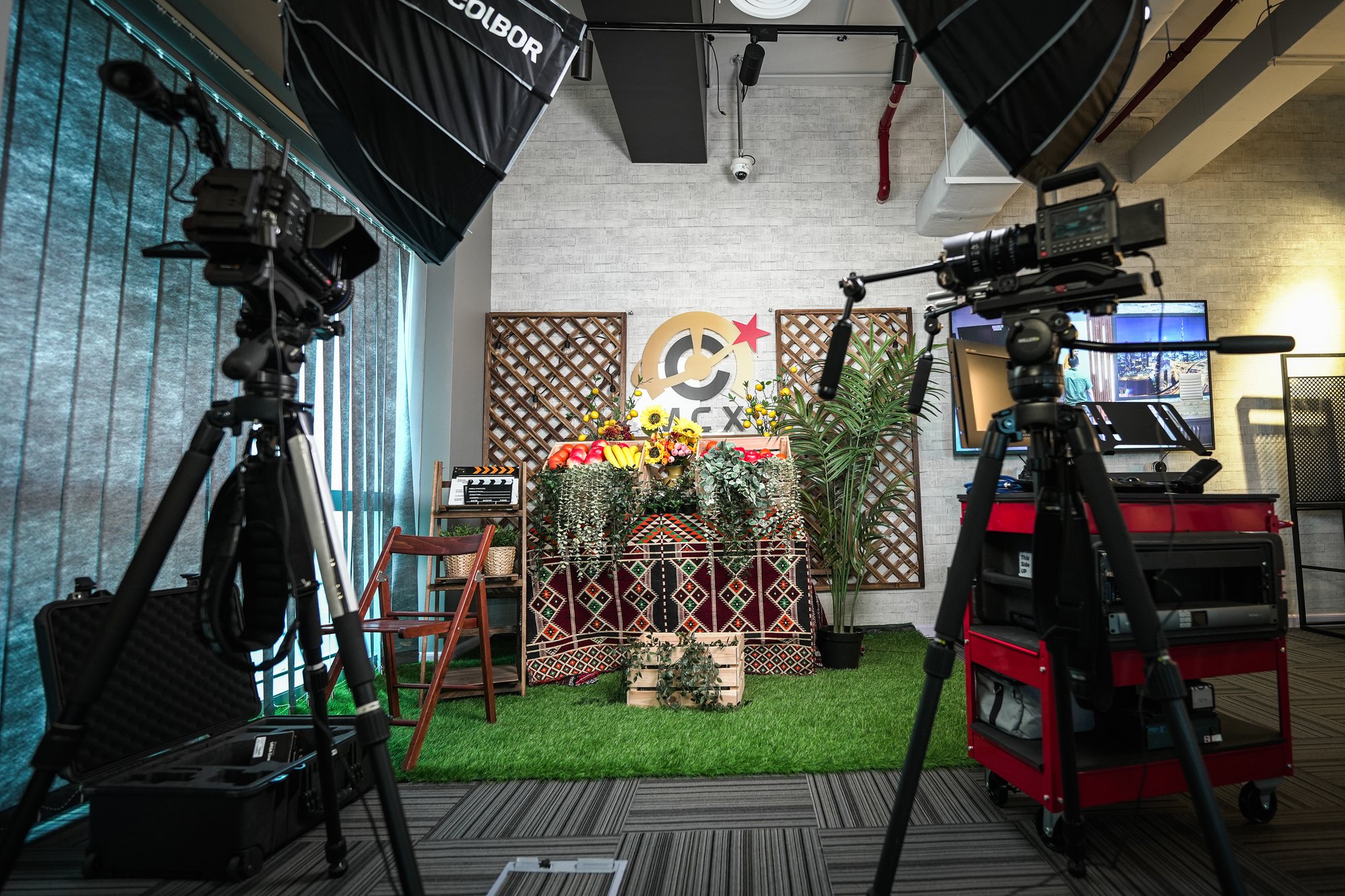
- Live production
- Configures the galleries and answers for what survives a live show.
- Colour and post
- MediaCast is the only Blackmagic Design certified training provider in MENA and Türkiye, and holds the region's only T3-certified DaVinci Resolve trainer.
- Cinema acquisition
- Rigs and demonstrates the camera line-up, and runs the filmmaking workshops.
- Networks and integration
- Keeps eight zones cabled, configured and running to standard, and specifies the AV-over-IP layer beneath them.
- Audio and performance
- Runs the stage and recording rooms, from microphone through to a monitored mix.
Arrange a visit
Come and see the room
Tell us your discipline and what you are trying to decide. We will configure the relevant zones and have the right specialist on the floor. It takes one message.
- Address
- 3605, The One Tower
Barsha Heights, Sheikh Zayed Road
Dubai, United Arab Emirates - Hours
- Monday to Friday, 09:00 – 18:00
- Getting here
- Covered walkway from the Metro. RTA parking adjacent, paid parking in the tower.
- Cost
- No charge. Training is booked separately.
- Booking
- By enquiry form or WhatsApp