Entry at MCX Dubai
Zone 01 · TV Studio

Video over IP,built into the room.

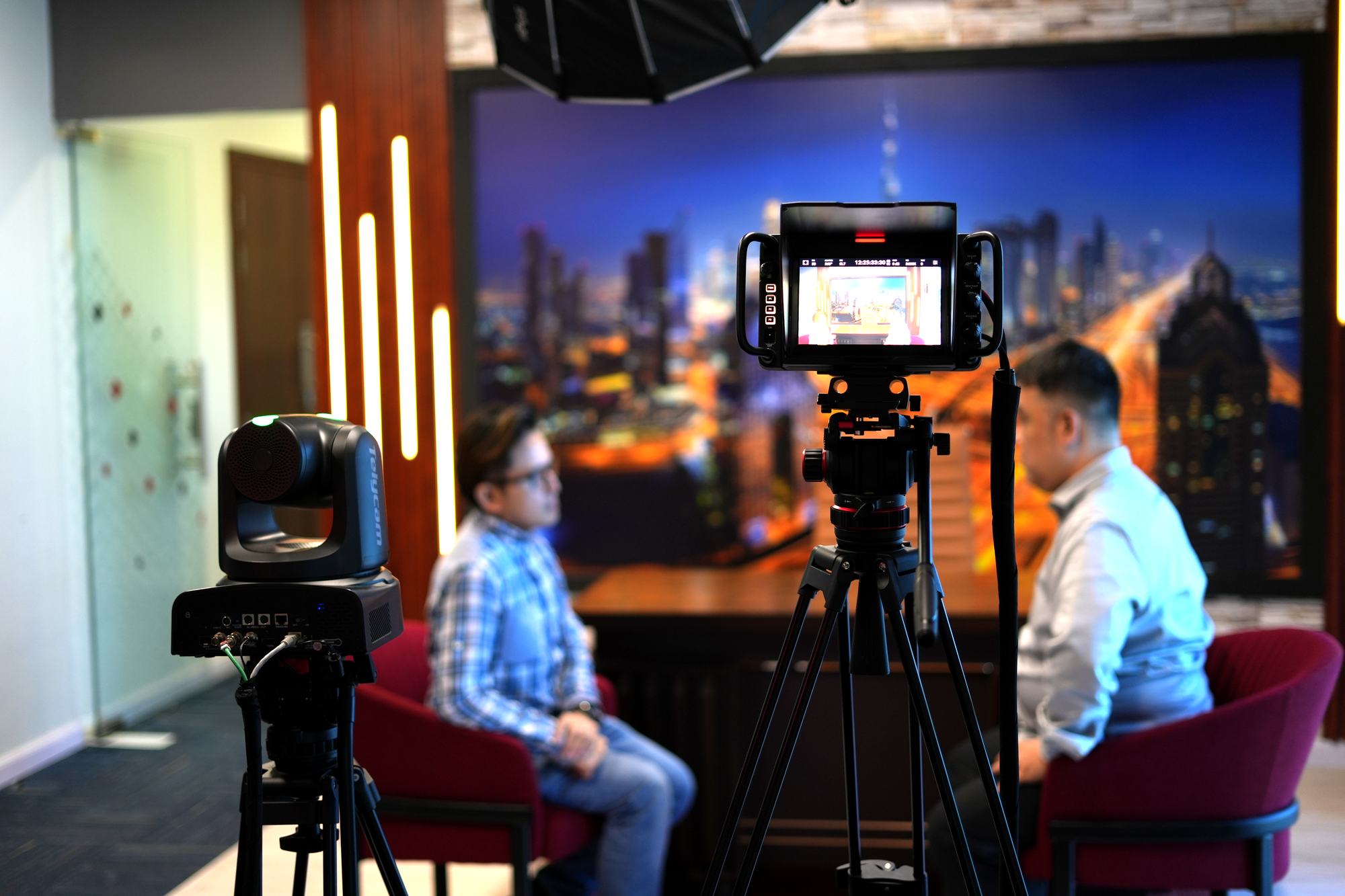
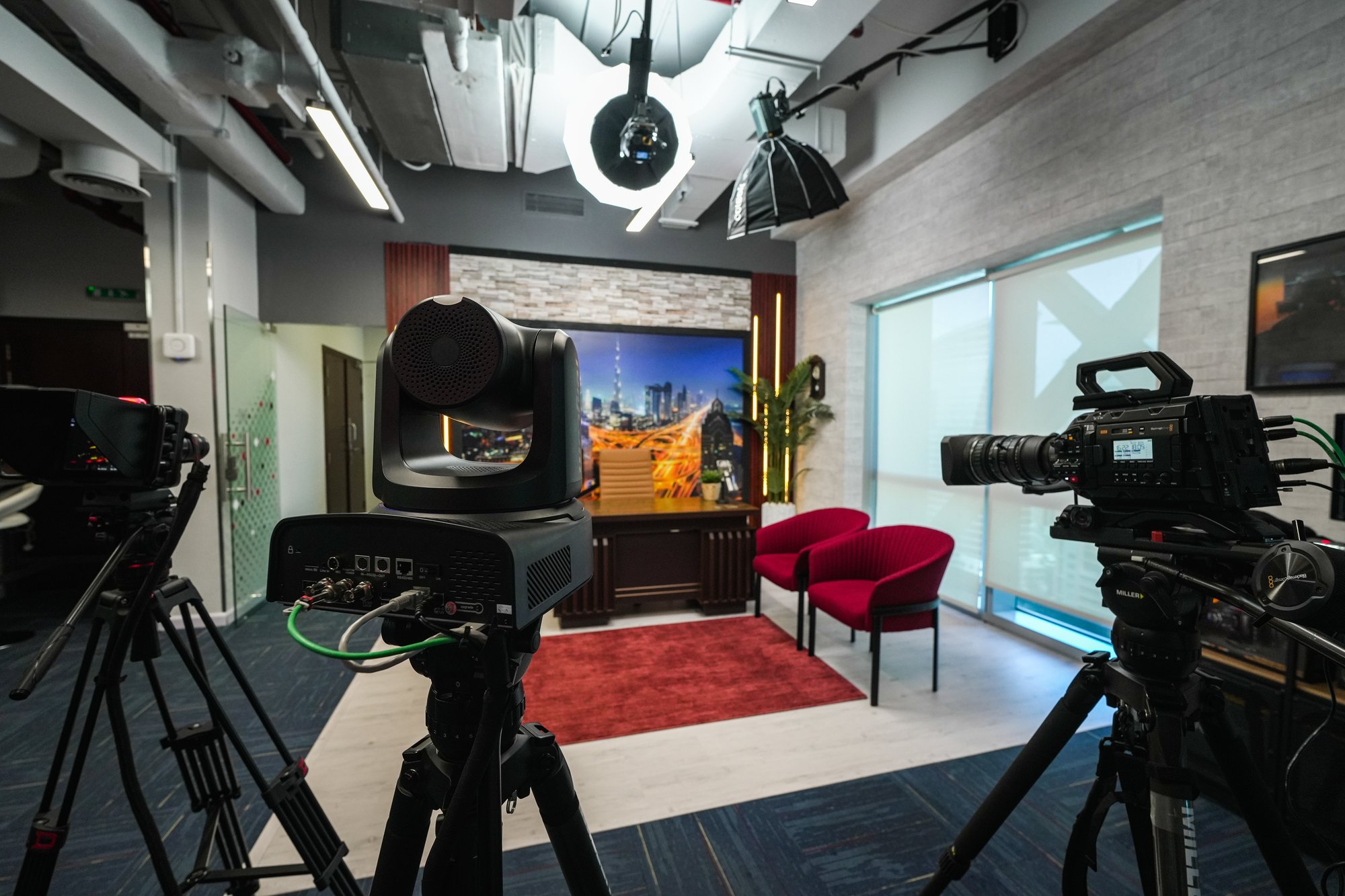
Broadcast and studio cameras, PTZ heads, switching and lighting — all carried on one NETGEAR AVoIP fabric, so the IP layer is how the studio runs rather than something bolted on to it.

7
Cameras and PTZ
3
NETGEAR network devices
Free
No charge
Mon–Fri
By appointment
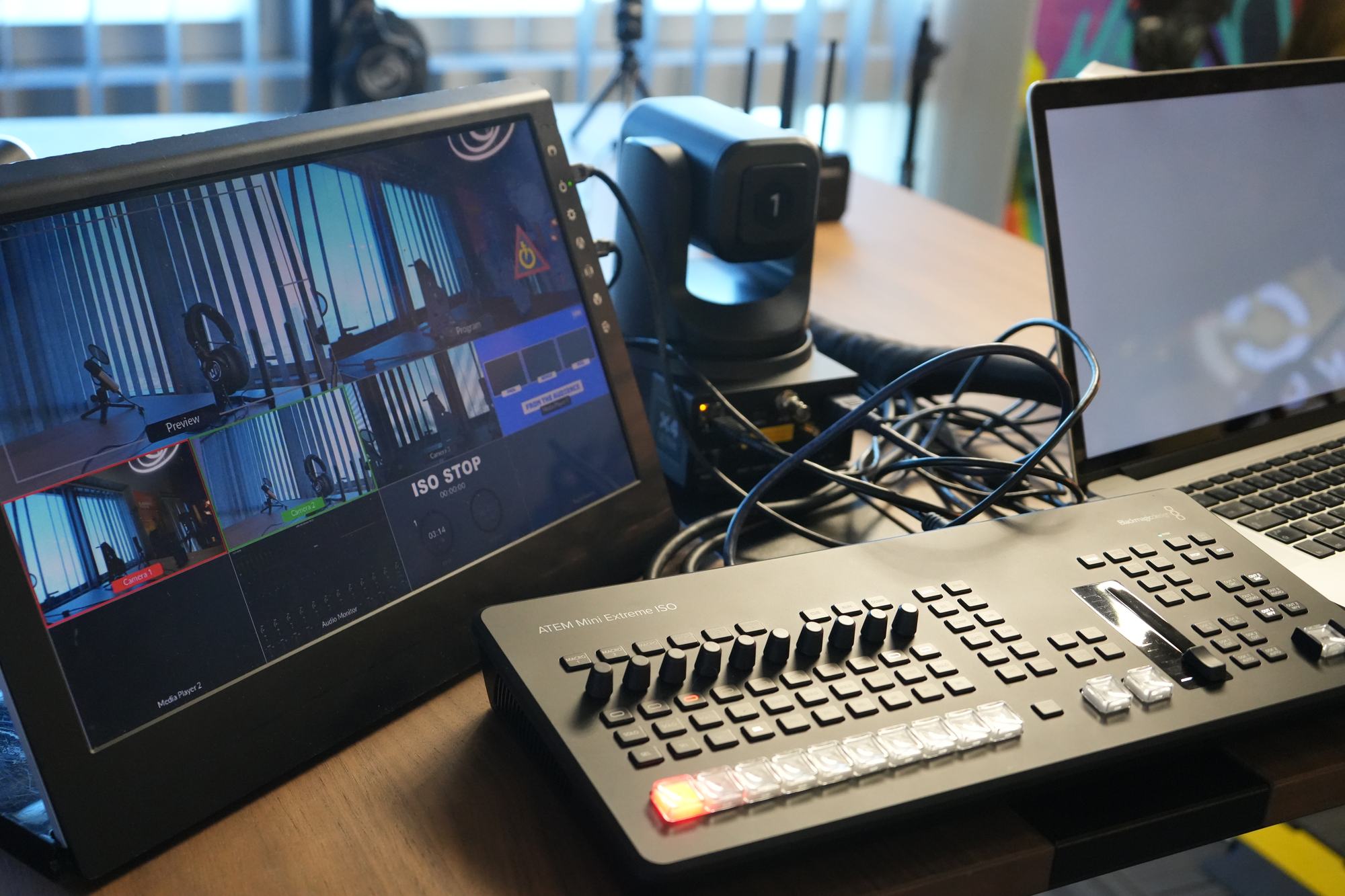
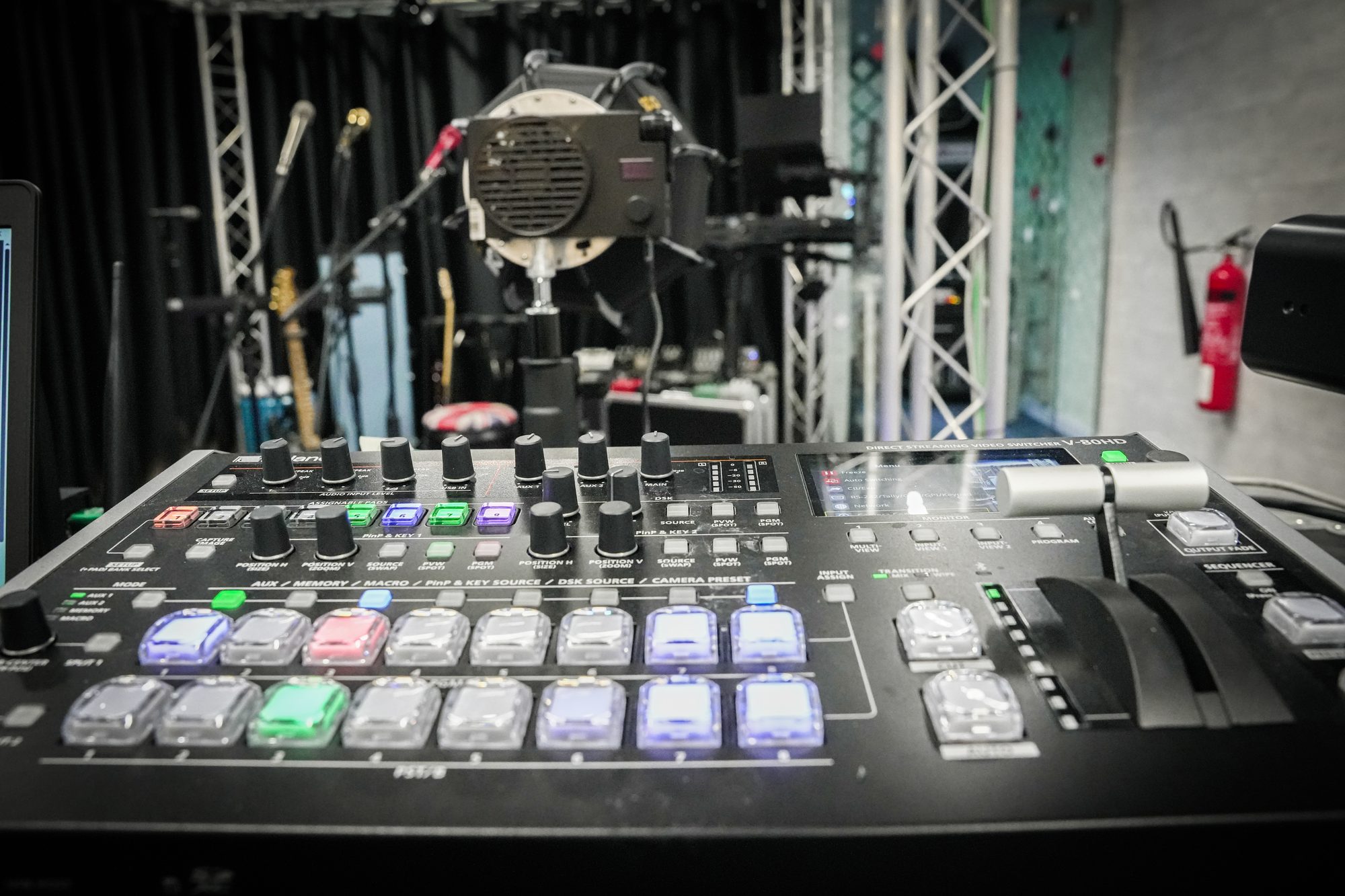
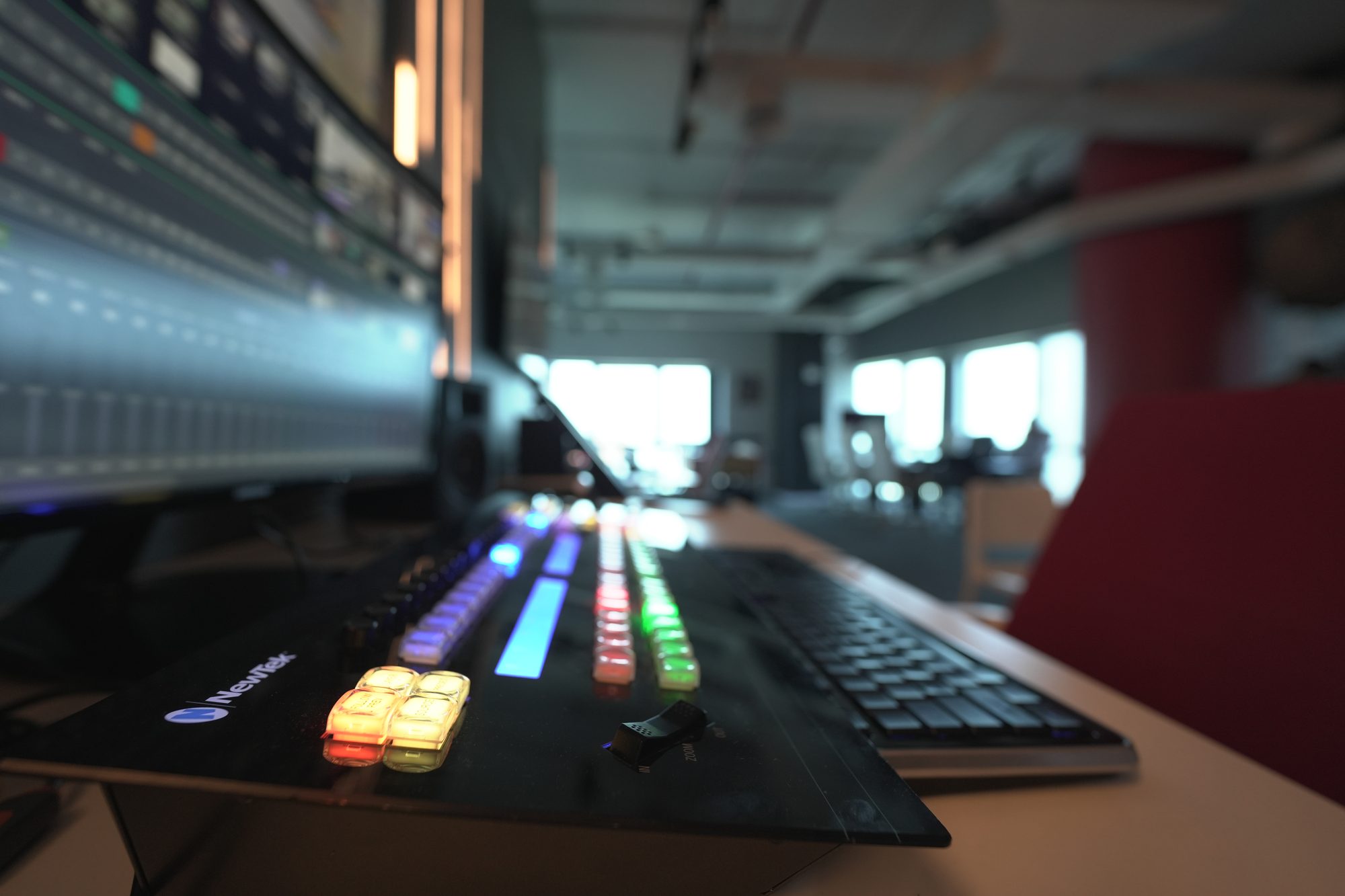
The live production desk at MCX, control surface and multiview
The studio floor

You are somewhere that works.

The mark on the wall is the last thing people photograph before the doors. Everything past it is switched on.

Equipment in Zone 01
On the floor

What you areactually looking at.

Ask now

A question is faster than a form.

Message the floor and a specialist answers — not a queue.

Why it is built this way at MCX
Why it is built this way

Most studios add IP to an SDI room.This one was cabled the other way round.

Every camera, PTZ head and monitor is a device on the AVoIP switch, so a source can be taken anywhere in the building without a new cable run. That is the part you cannot test from a datasheet.

How a signal moves

How a visit is builtbefore you arrive.

01
You tell us

The discipline, the decision, and who is coming with you.

02
We route it

Only the zones that serve that decision. Two done properly beats eight rushed.

03
We configure

Systems set up and powered before you walk in, not during.

04
A specialist meets you

Someone who works in your discipline, not a guide with a script.

05
You work

Hands on the equipment, with your own material where you have it.

Full equipment list

Every item,by category.

Two bodies matched on a control panel before anything is cut
On the setTwo bodies matched on a control panel before anything is cut

14 pieces of equipment from 5 brands, grouped by what they do.

AVoIP Switch
  • NETGEAR4230PX
Wifi 6 Access point
  • NETGEARWAX625
Wifi 7 Access point
  • NETGEARWBE710
Broadcast Studio Camera
  • Blackmagic DesignURSA Broadcast G2
Studio Camera
  • Blackmagic DesignStudio Camera 4K Pro
  • Blackmagic DesignMicro Studio Camera 4K
Camera Controller
  • Blackmagic DesignZoom and Focus Demand
PTZ Camera
  • TelycamExplore
  • TelycamExplore SE
  • BirdDogX4 Ultra
  • TelycamVision +4KN 30x
Production Switcher
  • Blackmagic DesignATEM Mini Extreme ISO G2
Light
  • ColborCL220
  • ColborCL120R
Represented in this zone

Five makers, one room.

Every one of them is on the same network in this zone, which is the point — you can put them side by side rather than take turns believing each datasheet.

NETGEARBlackmagic DesignTelycamBirdDogColbor
Come and see it

Reading about it settles nothing.

Tell us what you are deciding and the room is configured before you arrive.

Why this room exists

A studio is a set of decisions, not a set of boxes

Everything downstream of this room inherits what was decided in it.

Most facilities grow by addition: an SDI studio, then a router, then an IP island bolted to the side, then a gateway to translate between the two. It works, and it costs a translation layer at every boundary. This room was cabled the other way round — one managed fabric first, everything else a device on it. That is a decision with consequences rather than a feature, and the consequences are what a visit is for.

It is the first room on the route because it sets the terms for the seven that follow. A camera here can appear in the colour suite without a cable being run for it, and a fault introduced here shows up three rooms away. You cannot really understand the rest of the floor without having stood in this one first.

Why it is laid out this way

Four decisions, and what each one rejected

A room can be arranged to demonstrate or to decide. These are the choices that make this one the second, with the alternative named rather than left out of the story.

One network fabric, cabled first

an SDI room with IP added later

Every boundary between the two costs a gateway, a conversion and somewhere to lose frames. Building IP-first means the translation happens where you chose to put it, not everywhere.
Pedestal cameras and PTZ heads together

one or the other

Positions that never change want a body on a pedestal; the ones that do want a head on a keyboard. A small crew covers a set properly only with both — and here you can see exactly where that mix stops working.
The racks standing in the room

infrastructure hidden behind a wall

The equipment being visible is the point. You cannot ask what a device does to everything downstream of it if you cannot see where it sits in the chain.
Wired as a facility

a demonstration loop that always works

A chain that cannot be interrupted teaches nothing. This one gets broken while you watch, which is the only way to learn what breaking actually looks like.

How this room works

Built to be argued with

The room the network lives in

Every other zone hangs off what is switched on here. A camera on the set, a PTZ over the green, a feed into the colour suite — all of them are devices on one NETGEAR fabric. Most studios add IP to an SDI room; this one was cabled the other way round, and that decision is visible in every room after it.

Cameras that stay put, and cameras that move

URSA Broadcast bodies on pedestals for the positions that never change, Telycam and BirdDog PTZ heads for the ones that do. The mix is the point: a small crew can cover a set properly without four operators, and you can see exactly where that stops working.

What people come to settle

Whether video over IP is something they can specify with confidence, and what actually happens to a show when a link drops. Both are answered by doing, in about half an hour.

Why it has to be in person

What a page cannot show you

An IP-native studio reads on paper exactly like an SDI one with different connectors. Standing in it, the difference is immediate: you add a source by addressing it, you move a camera without moving a cable, and when something goes wrong the symptom surfaces somewhere you were not looking. None of that survives a diagram, which is why this is the first stop rather than a chapter.

What you leave with

  1. A clear view of what IP-first costs and what it buys, in your terms rather than a vendor's.
  2. Having watched a link drop mid-programme, and knowing what the show does when it happens.
  3. An answer on whether your crew size and your camera positions actually match.
  4. More often than not, a shorter equipment list than the one you arrived with.
VISIT

Want time in the TV Studio?Book your session.

Tell us what you want to test, learn or create, and a specialist will set the zone up for you.

The One Tower · Barsha Heights · Dubai
Zone 01 · TV Studio
Cameras and PTZ7Network devices3CostFree